
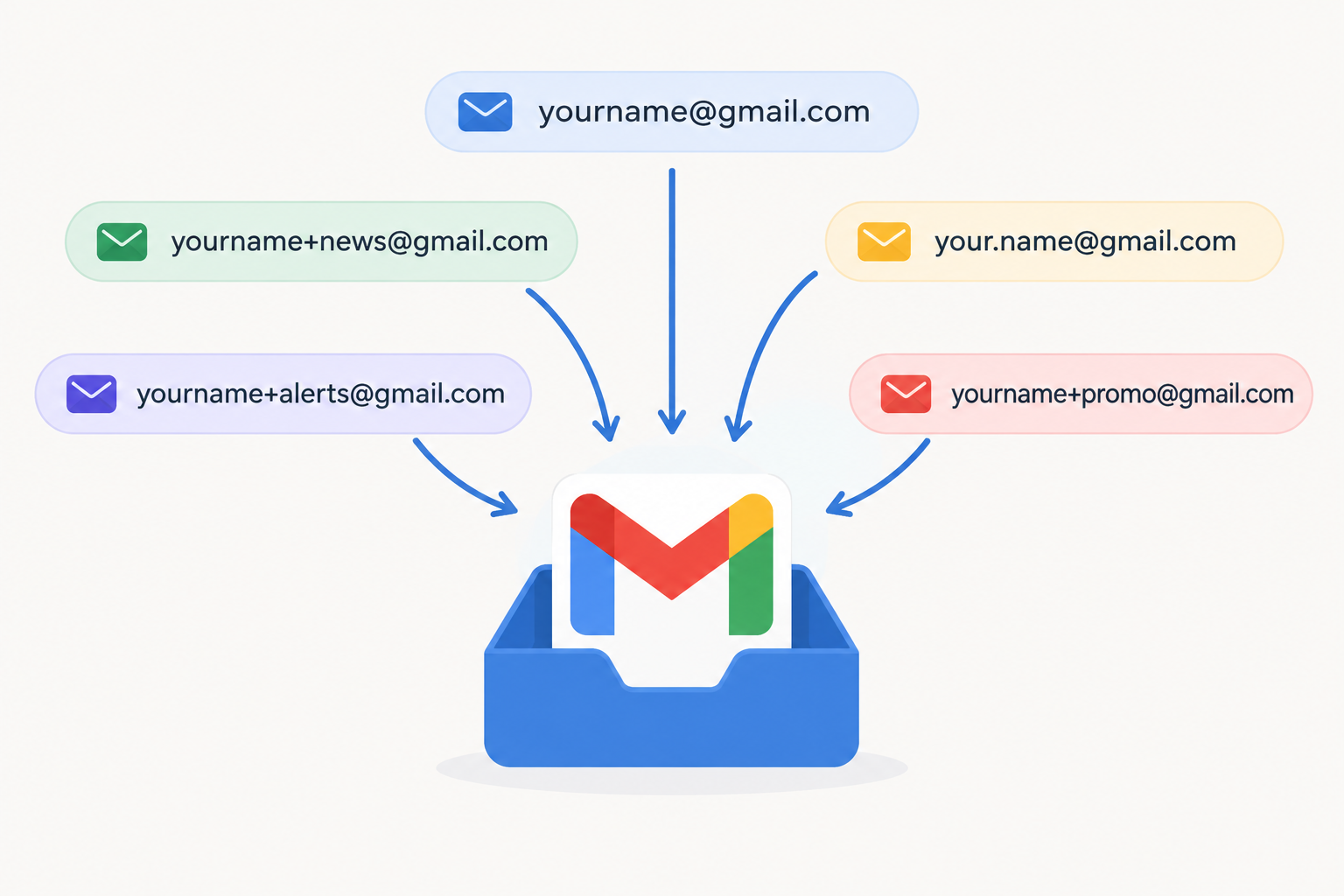
Yes, one Gmail account still gives you an almost unlimited number of working addresses. Add a plus sign and any word before the @ ([email protected]), or put dots anywhere in the username ([email protected]), and the mail lands in the same inbox. The trick itself hasn’t changed since Google described it in 2008. What has changed is the setting around it: Gmail sorts mail with labels, filters and inbox tabs, Google says the dot rule covers only personal @gmail.com accounts and not work or school (Google Workspace) addresses, and plenty of signup forms still reject or strip the plus sign.
Keeping everything neat and tucked into its own corner takes real work. Your work mailbox might already be set up perfectly, with a dedicated folder for every person, mailing list and company. A personal Gmail inbox usually gets less attention, and it fills up with newsletters, receipts and promotions in no time.
The fix comes from this post on the Official Gmail Blog, published on March 5, 2008. It describes two little-known ways to sort your inbox on the fly:
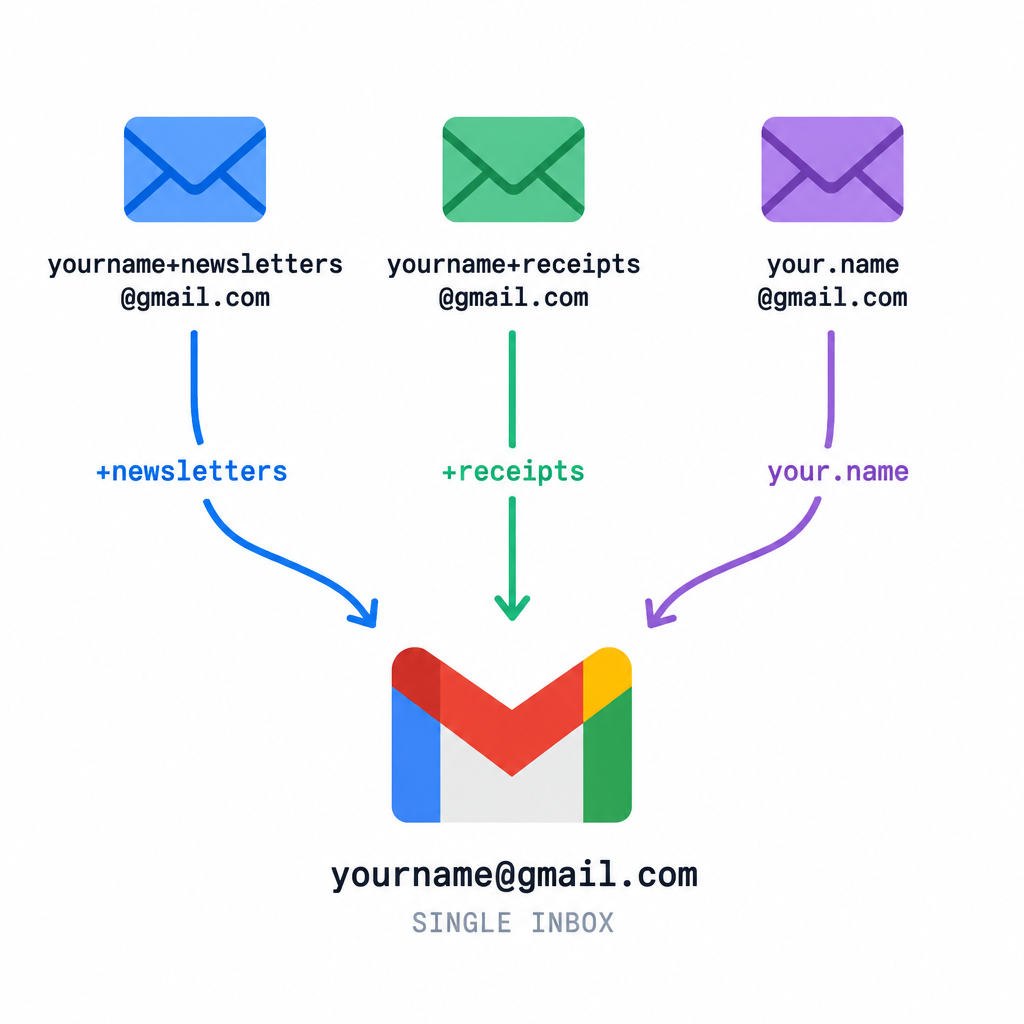
- Plus addressing. Put a “+” after your username, followed by any word or combination of words, and you get as many versions of your address as you want. Gmail ignores everything between the plus sign and the @. For example, you could give “[email protected]” to every mailing list you join and sort them all in one go.
- Dot addressing. Add periods (“.”) anywhere in the username, such as “[email protected]” or “[email protected]”. Google’s help page “Dots don’t matter in Gmail addresses” confirms that every dotted version of a personal @gmail.com address goes to the same account.
Once you start handing out these versions, you can create filters in your account that send mail for each address to its own label. Gmail calls them labels, not folders, but they do the same job.
How to set up a filter for a plus address
Gmail filters can match the address a message was sent to, so each plus tag can get its own label. Google’s help article “Create rules to filter your emails” covers the full set of options. The basic steps are:
- Open Gmail on the web and click the gear icon, then See all settings.
- Open the Filters and Blocked Addresses tab and click Create a new filter.
- In the To field, enter the full plus address, for example
[email protected]. - Click Search first to check which messages the filter would catch.
- Click Create filter, then choose actions such as Apply the label, Skip the Inbox (Archive it) or Star it.
- Tick Also apply filter to matching conversations if you want older mail sorted as well.
You can also start from a message you already have. Tick its checkbox, open the More menu and choose Filter messages like these. To find mail for a tag without a filter, type deliveredto:[email protected] in the search bar. That searches the Delivered-To header, so leave no space after the colon.
Dots are no good for filtering. Gmail treats every dotted version as the same address, so a filter can’t reliably tell them apart. If you want to sort mail, use plus tags.
Where the trick works, and where it doesn’t
Plus addressing has spread well beyond Gmail. The dot trick hasn’t.
| Mailbox | Plus addressing (name+tag@) | Dots ignored |
|---|---|---|
| Personal Gmail (@gmail.com) | Yes | Yes |
| Google Workspace (work or school Gmail) | Usually yes, unless an admin limits it | No, dots count as part of the address |
| Outlook.com | Yes | No |
| Microsoft 365 (Exchange Online) | Yes, managed by the tenant admin | No |
| Yahoo Mail | Uses its own disposable addresses with a hyphen instead | No |
On a Workspace account, [email protected] and [email protected] are two different addresses. If you want a dotted version there, ask your admin to add it as an alias.
What plus and dot addresses mean for email marketers
Subscribers use these addresses on purpose, so your signup forms and list tools need to handle them correctly. Four things matter most.
Accept the plus sign. A “+” is a valid character in the local part of an email address, yet some forms still reject it as an error. Every rejection is a lost subscriber, and usually one who was organized enough to want your mail sorted.
Send to the address the subscriber gave you. Stripping the tag “to clean the list” breaks the filter that person set up, and your email lands back in their main inbox, or gets reported as spam. If you dedupe, do it to spot people who signed up twice. Don’t rewrite the stored address.
Watch for duplicates and free-trial abuse. [email protected], [email protected] and [email protected] all reach one person. If a welcome discount or free trial is limited to one per customer, match on the normalized @gmail.com address when you check eligibility, but leave the original address in your list.
Use plus tags for your own testing. A tagged address for each campaign, ESP or seed test keeps test sends sorted and easy to find with a single filter.
One more thing: a plus tag tells you who shared or sold an address, but it doesn’t protect anyone. A spammer can delete the tag in seconds. To keep a real address hidden, Apple’s Hide My Email feature in iCloud+ creates separate random forwarding addresses.
Plus tags were a gift for anyone who likes an organized inbox in 2008, and they still are. If you run a list, the most useful thing to do this week is send a test signup with a plus address through your own form and confirm it’s accepted, saved exactly as typed and delivered.
FAQ
Does the Gmail plus trick still work in 2026?
Yes. Gmail still ignores everything between the “+” and the “@” on personal accounts, so [email protected] reaches [email protected]. It also works on most Google Workspace accounts unless an admin has changed the routing.
Can I send email from a plus address in Gmail?
Not by default. Plus and dot versions only receive mail, so replies go out from your main address. If you want a tagged address in the From line, add it under Settings > Accounts and Import > Send mail as.
Should I remove plus tags and dots from my email list?
Don’t change the stored address. Send to exactly what the subscriber typed, since their filters depend on it. Normalizing @gmail.com addresses is fine for spotting duplicate signups or limiting one offer per person, as long as it’s a separate check.
Do dots matter in a Google Workspace or work Gmail address?
Yes. Google’s help page says the dot rule applies to personal @gmail.com addresses. On a work or school domain, a dotted name is a different address unless an admin has set it up as an alias.
Will using plus addresses stop spam?
No. Plus addresses help you sort mail and see which company shared your address. They don’t stop spam, because the tag is easy to strip. If a tagged address starts getting junk, filter it straight to the trash, or use a separate forwarding alias service for signups you don’t trust.
Sources
- Official Gmail Blog: 2 hidden ways to get more from your Gmail address (March 5, 2008)
- Gmail Help: Dots don’t matter in Gmail addresses
- Gmail Help: Create rules to filter your emails