
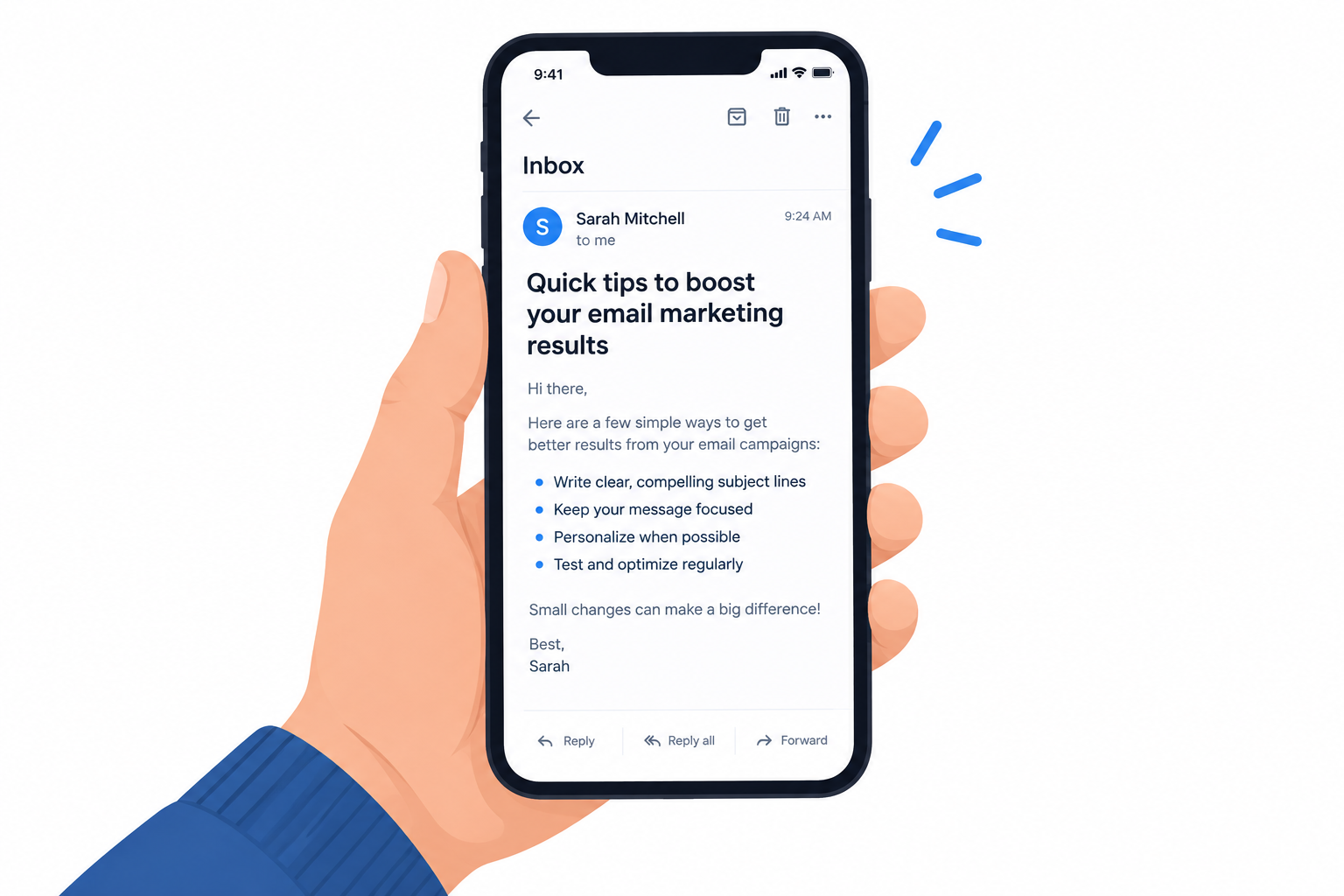
You no longer need to design for BlackBerry. BlackBerry switched off the legacy services for BlackBerry 7.1 OS and earlier, BlackBerry 10 and PlayBook OS on January 4, 2022, so in November 2026 mobile optimization means the iPhones and Android phones that replaced them. The core advice below still works: make the subject line count, keep the message short and put your key points on the first screen. What changed is the setting: Apple Mail and Gmail now account for nearly 90% of tracked opens in Litmus’s July 2026 market share data, Apple Mail Privacy Protection inflates open rates, and since 2024 Gmail and Yahoo require bulk senders to authenticate their mail, offer one-click unsubscribe and keep spam complaints low.
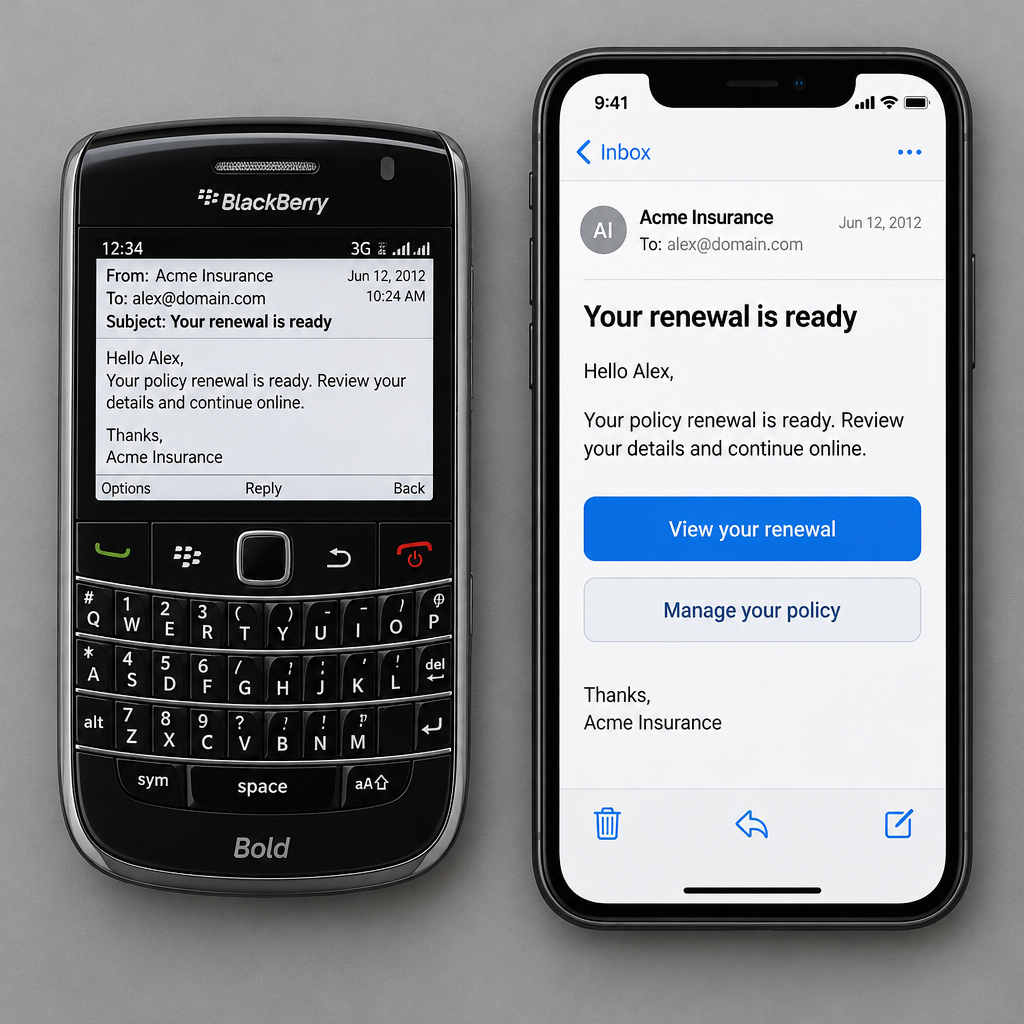
When you plan an email campaign, think about who receives your message and where they read it. You can’t assume your message will be opened on a desktop. If you send to salespeople, or anyone else who is often on the move, your message has to render well on a phone. When this advice was first written, that phone was usually a BlackBerry. Today it is an iPhone or an Android device. Either way, an email that fails on a small screen may never be read.
Three ways to make your message work on a small screen
When you plan a message for phone readers, these ideas will improve it:
- Make the first words of your subject line count. The original advice was to make the first 15 characters count, because a BlackBerry showed very little of the subject line, and you had to grab your readers’ attention right away. Modern phones show more. But where the line gets cut off still depends on the mail app, the screen width and the reader’s text size, so put the hook at the front. Pair it with preheader text, the preview line that most mobile apps show under the subject.
- Keep short bullet points easy to scan. On a BlackBerry, writing one- or two-word bullet points side by side on one line fit more key points onto the first screen. That trick is dated now. In a responsive, single-column template, a row of words can wrap unpredictably on a narrow screen. Instead, put your two or three most important points near the top as a short stacked list, and make buttons big enough to tap with a thumb.
- Make your points quickly. If someone reads your message on a phone, they are probably on the move and short on time, and they likely won’t read a long email. Being brief also helps technically. Gmail clips messages whose HTML is larger than about 102KB and hides the rest behind a “View entire message” link. That can hide your footer and unsubscribe link too.
If you plan ahead and think about how your message will look on a phone, more of your subscribers will read it.
What has changed since the BlackBerry era
The basic idea of short, scannable, mobile-first email has won. What changed is the devices people use, how you measure results and the rules for getting into the inbox.
| Area | BlackBerry era | November 2026 |
|---|---|---|
| Main mobile devices | BlackBerry OS handsets | iPhone and Android; legacy BlackBerry OS services ended January 4, 2022 |
| Leading email clients | Desktop clients, BlackBerry mail | Apple Mail and Gmail, nearly 90% of opens combined (Litmus, July 2026) |
| Subject line space | Roughly the first 15 characters | More, but it varies by app and screen; front-load anyway |
| Layout | Plain text or narrow HTML | Responsive single column, dark mode aware |
| Open tracking | Pixel opens were fairly reliable | Inflated by Apple Mail Privacy Protection since iOS 15 (2021) |
| Sender rules | Mostly content filtering | SPF, DKIM, DMARC, one-click unsubscribe and spam rate limits at Gmail, Yahoo and Microsoft |
Mobile rendering and dark mode
Most mobile mail apps can show a dark theme, and some recolor your email to match it. Build your layout to survive that. Use live text instead of text baked into images, use logos with transparent backgrounds that stay visible on dark colors, and preview the email on a real phone in both light and dark mode before you send.
Open rates after Apple Mail Privacy Protection
Apple introduced Mail Privacy Protection with iOS 15 in 2021. When a user turns it on, Apple Mail loads remote content, including the tracking pixel, privately in the background. Because of that, an “open” no longer proves a person read your email. If you used to judge mobile subject lines by open rate, judge them by clicks, replies and conversions instead.
Sender rules from Gmail, Yahoo and Microsoft
Even a well-optimized mobile email does nothing if it lands in spam. Gmail and Yahoo began enforcing new bulk sender requirements in February 2024. Yahoo’s one-click unsubscribe enforcement followed in June 2024. Google defines bulk senders as those sending close to 5,000 messages or more to personal Gmail accounts within 24 hours. It asks you to keep user-reported spam below 0.1% and never let it reach 0.3%. Microsoft followed on May 5, 2025: domains sending more than 5,000 emails a day to Outlook.com, Hotmail.com and Live.com addresses must pass SPF, DKIM and DMARC. Mail that fails goes to the Junk folder and can be rejected if the problem continues.
A minimal DMARC record that meets the baseline looks like this:
_dmarc.example.com. IN TXT "v=DMARC1; p=none; rua=mailto:[email protected]"
Marketing messages also need a List-Unsubscribe header that supports one-click unsubscribe (RFC 8058), plus a visible unsubscribe link in the body. Gmail and Yahoo expect opt-outs to be processed within two days. That is stricter than the 10 business days the CAN-SPAM Act allows in the United States.
FAQ
Do BlackBerry phones still receive email?
Not the classic ones. After January 4, 2022, devices running BlackBerry 7.1 OS and earlier, BlackBerry 10 and PlayBook OS stopped working reliably for data, calls and texts. Android-based BlackBerry phones were not affected by that shutdown and read email through standard Android apps, so they render your email like any other Android phone.
How long should a subject line be for mobile readers?
There is no single safe number, because the visible length depends on the app, the screen and the reader’s text size. Put the most important words first so the message still makes sense if the end is cut off. Then check it on a phone in Gmail and Apple Mail, the two clients that cover most opens.
Are open rates still useful for measuring mobile campaigns?
Only as a rough signal. Apple Mail Privacy Protection loads tracking pixels in the background for users who turn it on, so Apple Mail opens are inflated and can’t tell you who actually read the email. Clicks, conversions and replies are better measures of whether your mobile layout and subject line worked.
Do the Gmail and Yahoo sender rules apply to small senders?
The strictest requirements, including DMARC and one-click unsubscribe, apply to bulk senders. Google sets that line at close to 5,000 messages or more to personal Gmail accounts within 24 hours. Microsoft applies its Outlook.com rules to domains sending more than 5,000 emails a day. Yahoo does not publish a number. Google’s guidelines for all senders still require SPF or DKIM and a reported spam rate below 0.3%, so smaller lists should meet the same standards anyway.
What is the biggest mobile mistake that still hurts emails today?
Sending one large image with the whole message baked into it. Many clients don’t show images until the reader allows it, the text gets too small to read on a phone, and dark mode can make it look broken. Live text in a single-column layout, with a clear button near the top, works better on every phone.
Sources
- Google Workspace Admin Help, Email sender guidelines and FAQ
- Yahoo Sender Hub, Sender requirements and FAQs
- Microsoft Tech Community, Outlook’s new requirements for high-volume senders (April 2025)
- Federal Trade Commission, CAN-SPAM Act: A Compliance Guide for Business
- Litmus, Email client market share
- BlackBerry, Legacy services end of life notice (via carrier support pages)
- ESP help centers (ActiveCampaign, Drip), Gmail message clipping