
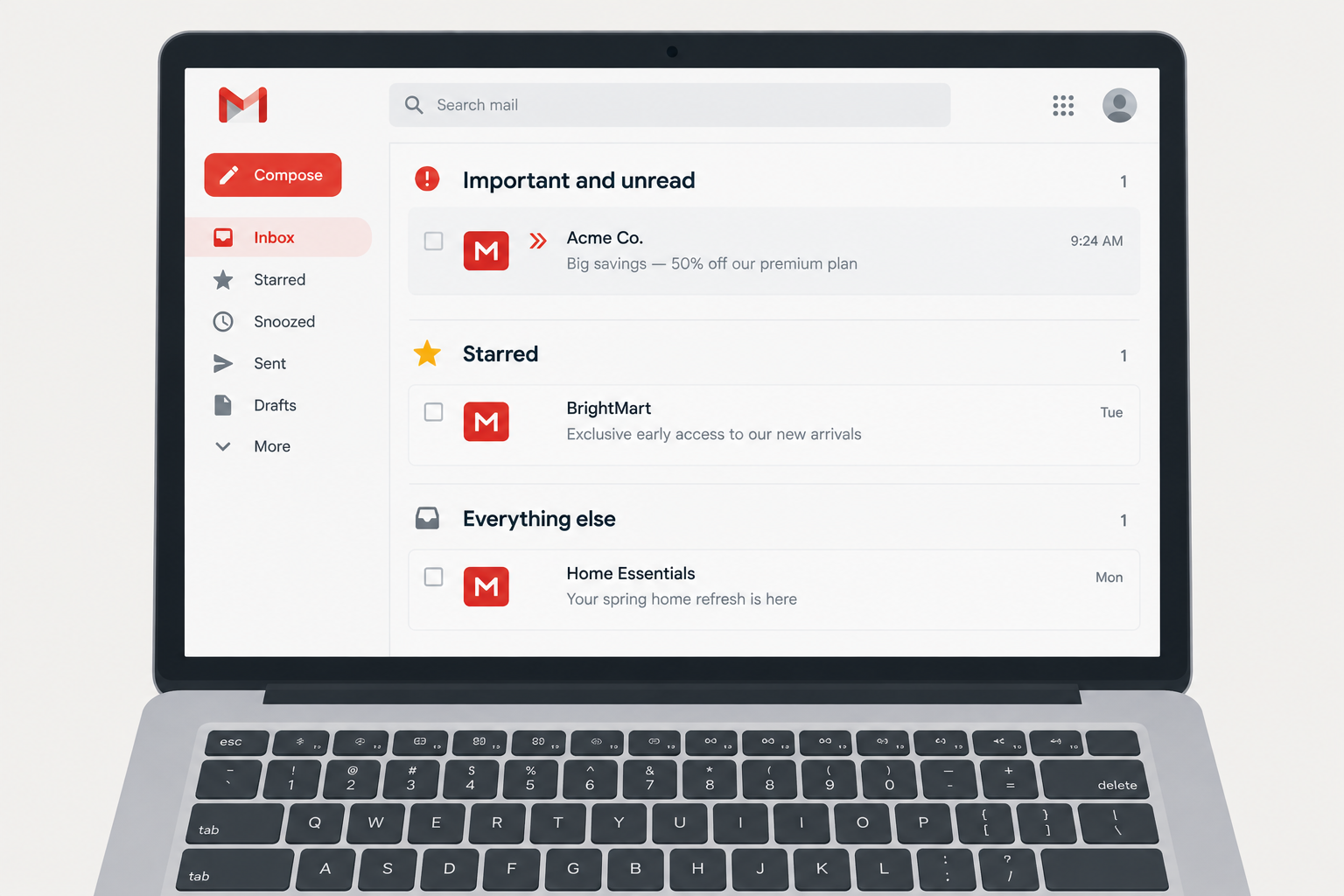
Gmail’s Priority Inbox still exists in November 2026. It is one of several optional inbox types, and it sorts each user’s mail into “Important and unread,” “Starred” and “Everything else,” based on how that person treats each sender. A marketing email reaches the top section only when the recipient’s own behavior tells Gmail it matters, so relevance and engagement still decide where you land. What changed since 2010 is everything around Priority Inbox: category tabs (2013), Gmail’s image proxy, Apple Mail Privacy Protection inflating open rates, the 2024 Gmail and Yahoo bulk sender rules, Microsoft’s 2025 rules for Outlook.com, Gmail’s 2025 “Manage subscriptions” view, and a Gemini-powered AI Inbox that Google was still testing in 2026.
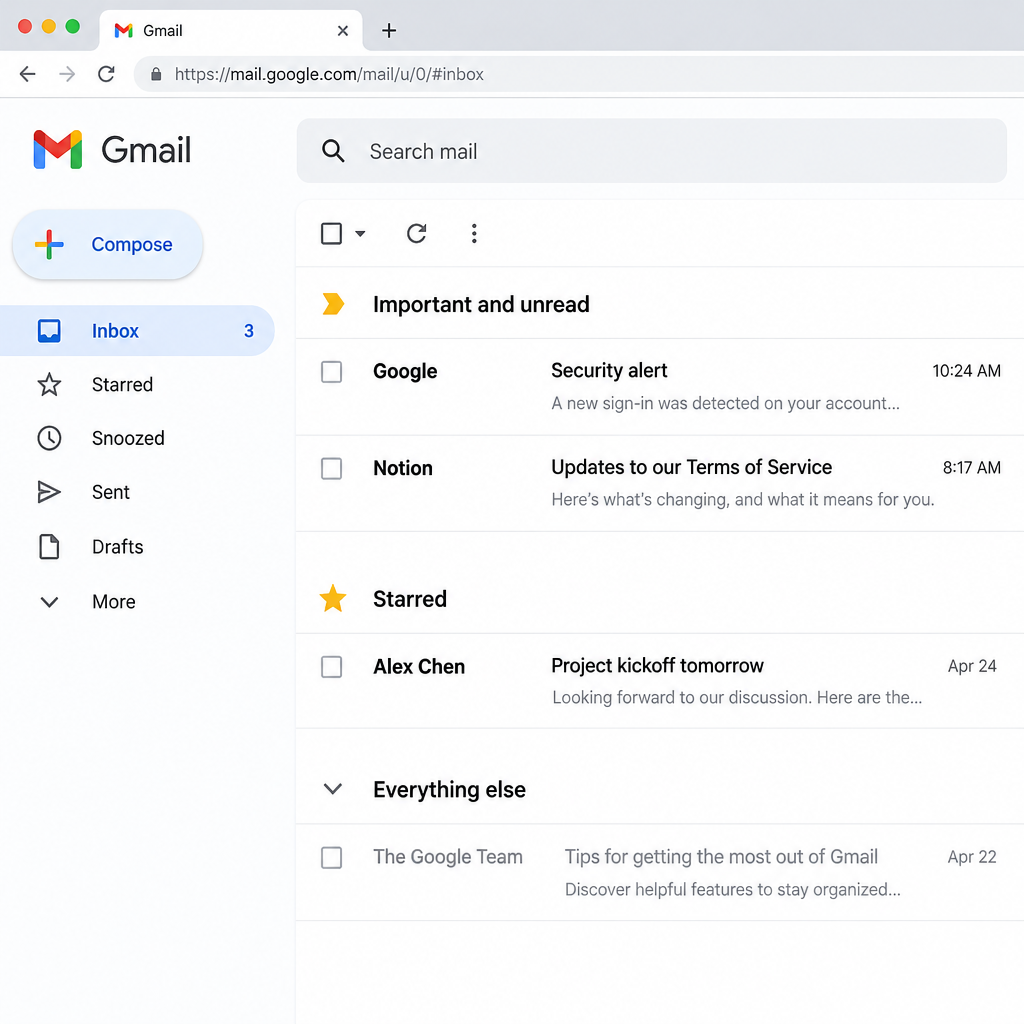
On August 30, 2010, Gmail announced their new Priority Inbox feature. It let users set their inbox to sort incoming mail automatically and split it into Priority (important and unread), Starred and Everything Else. Gmail judged importance from signals such as keywords, replies and each user’s overall history with a sender. Users could also train it by marking conversations as important or not important. Starting in December 2010, Gmail showed the reason for each importance marker, for example “Important because you marked it as important.”
So what did this mean for email marketers? It could mean less engagement from Gmail subscribers who switched it on. If a subscriber doesn’t see you as relevant, your mail will most likely end up in Everything Else.
That was true in 2010 and it holds even more in 2026: email marketers need to focus on relevance.
Marketers need to watch how subscribers behave and react to their emails. That makes it easier to predict how to segment lists for future sends, and it gives you the best chance of earning a place in the Priority section. Three other basics belonged on the list then and still do:
- Get on the safe sender list. The 2010 advice was to get “whitelisted.” In Gmail today, that means asking subscribers to add your address to their contacts, reply to you, or move your mail into the Primary tab. Each of these is a direct engagement signal.
- Authenticate your mail. Gmail requires bulk senders (more than 5,000 messages a day to personal Gmail accounts) to publish SPF, DKIM and a DMARC record. Since June 2024, Gmail and Yahoo have also required one-click unsubscribe for marketing mail, honored within two days. Since May 5, 2025, Microsoft has required SPF, DKIM and DMARC from domains sending more than 5,000 messages a day to Outlook.com, Hotmail.com and Live.com.
- Keep design and code standards high. In 2010 that meant working around Outlook 2007’s Word-based rendering, which is history now. Today it means mobile-first layouts, dark mode testing, live text instead of all-image emails, and a clear message in the first lines, because Gmail’s Gemini summaries focus on the opening.
Here is a minimal DMARC record of the kind Gmail expects. You publish it as a TXT record at _dmarc.yourdomain.com:
v=DMARC1; p=none; rua=mailto:[email protected]
Starting at p=none lets you collect reports before you move to quarantine or reject.
Spam complaints matter as much as authentication. Google tells senders to keep their user-reported spam rate below 0.1% and never let it reach 0.3%. Above 0.3%, Google stops offering mitigation help, and that help only comes back after your rate stays under 0.3% for seven days in a row. Yahoo also uses 0.3% as its limit, and it applies to all senders.
At launch in 2010, Google published a short video that walked through the basics of Priority Inbox: the three sections, the importance markers and how to train the filter.
FAQ
Does Gmail Priority Inbox still exist in 2026?
Yes. Gmail’s help lists Priority Inbox as one of its inbox types, alongside Default, Important first, Unread first, Starred first and Multiple Inboxes. It still uses the three sections it launched with in 2010. The Default inbox with category tabs is the more common setup, so for most subscribers the real question is whether you land in Primary or Promotions.
How does Gmail decide that an email is important?
Gmail looks at each user’s behavior: who they email, which messages they open, reply to, star, archive or delete, and which keywords show up in mail they usually read. Users can override it by marking messages important or not important, and Gmail learns from that. The decision is made per person, so one sender can be important for one subscriber and “Everything else” for another.
Can a marketing email get into Priority Inbox or the Primary tab?
Yes, but you can’t pay for that spot or get it through design tricks. It comes from the subscriber’s own engagement: opens, replies, adding you to contacts, or dragging your mail into Primary. Sending less often to people who don’t engage, and sending more relevant content to those who do, is the honest way to get there.
Do the 2024 Gmail and Yahoo sender rules affect where my email lands?
They decide whether you reach the inbox at all. Bulk senders that fail SPF, DKIM, DMARC or one-click unsubscribe requirements can have messages rejected or sent to spam. Priority sorting only applies to mail that gets through, so compliance comes first and relevance second.
Are open rates still a good way to measure relevance?
Not on their own. Apple Mail Privacy Protection, introduced in 2021, can preload images and record opens that never happened. Gmail has loaded images through its own proxy since late 2013, which hides recipients’ location data. Clicks, replies, conversions and complaint rates show relevance more reliably.
Should marketers worry about Gmail’s AI Inbox?
Google announced a Gemini-powered AI Inbox in January 2026 that ranks messages and highlights to-dos instead of showing a plain timeline. Through 2026 it reached only a limited group of users. The advice is the same as for Priority Inbox: put the main point in the first lines, keep your list engaged, and make unsubscribing easy, because Gmail’s “Manage subscriptions” view (rolled out in July 2025) lets users drop frequent senders in one click.
Sources
- Gmail Help: Use Priority Inbox and other inbox types
- Google Workspace Admin Help: Email sender guidelines FAQ
- Official Gmail Blog: Email overload? Try Priority Inbox (August 30, 2010)
- Google Workspace Updates: Manage email subscriptions in Gmail (July 2025)
- Yahoo Sender Hub: Sender best practices
- Microsoft Tech Community: Outlook’s new requirements for high-volume senders
- FTC: CAN-SPAM Act compliance guide for business