
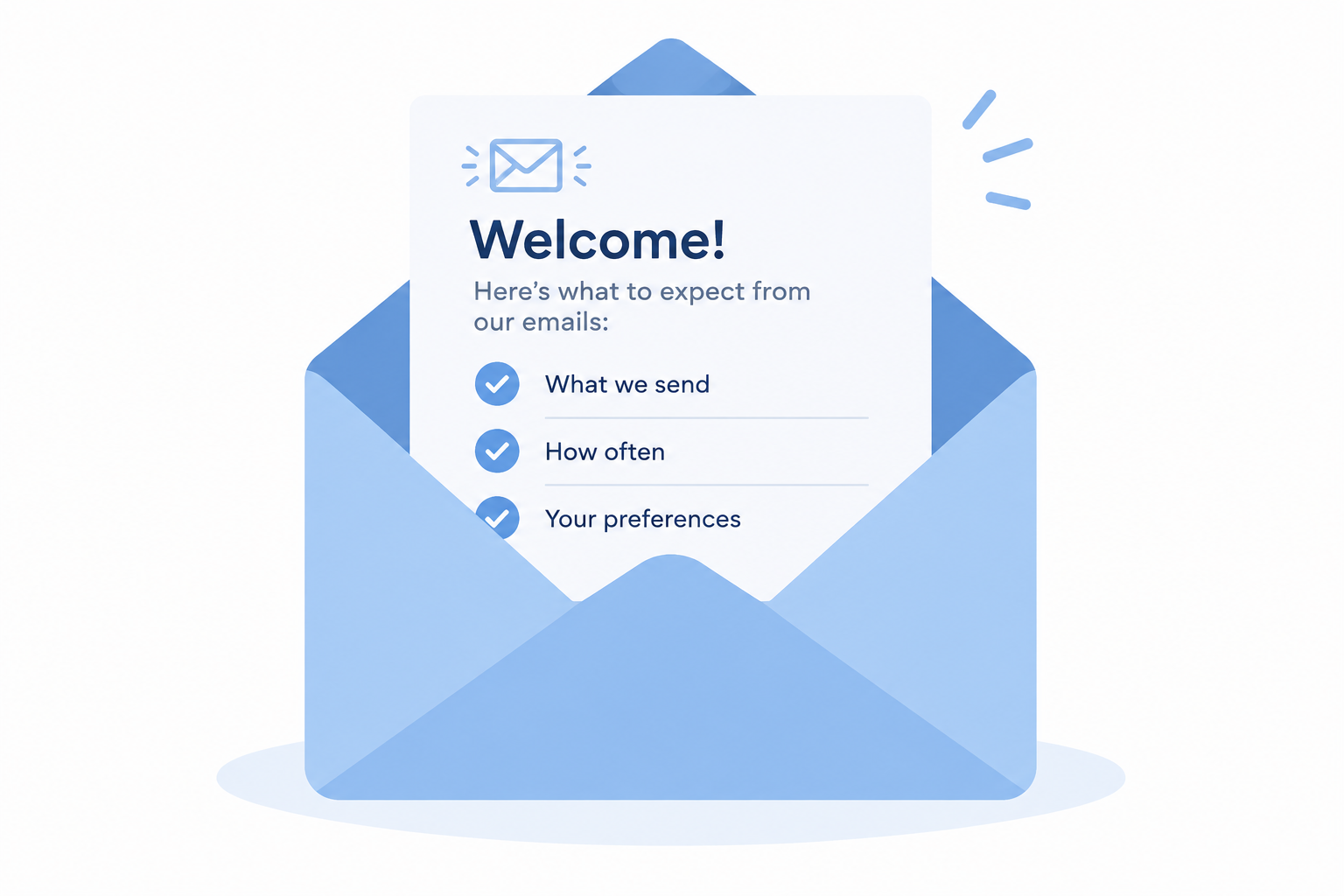
Setting expectations means telling people at signup what you’ll send, how often, and why, and then sticking to that schedule. In November 2026 this matters more than it used to. Since 2024, Gmail and Yahoo have required bulk senders to authenticate with SPF, DKIM and DMARC, offer one-click unsubscribe and keep spam complaints under 0.3%. Microsoft added similar rules for Outlook.com in May 2025, and when subscribers are surprised by an email they report it as spam, which is how senders end up blocked.
A welcome email that arrived far too late
Jackie Warner is a Los Angeles personal trainer. If you didn’t watch Bravo TV in the late 2000s, she owned Sky Sport and Spa in LA and starred in the reality show “Work Out.” The show followed her team as they helped clients get or stay in shape, with plenty of staff drama along the way. It ran on Bravo from 2006 until its third season ended in June 2008. Like many viewers, one fan signed up for the gym’s email program to see what it would send.
The first email came a long time after that signup. The message didn’t say when the person had subscribed, so there was no way to check. The footer had only one option, which was to opt out. That part was good: a clear way out is a legal requirement and a basic courtesy. But the gap shows the main problem. Warner was very good at setting her clients’ expectations about when workouts and healthy habits would show results. Her email program set no expectations at all.
How to set subscriber expectations
Senders who want the relationship to last should tell subscribers four things. The list below is the original one, with notes on how each point holds up today.
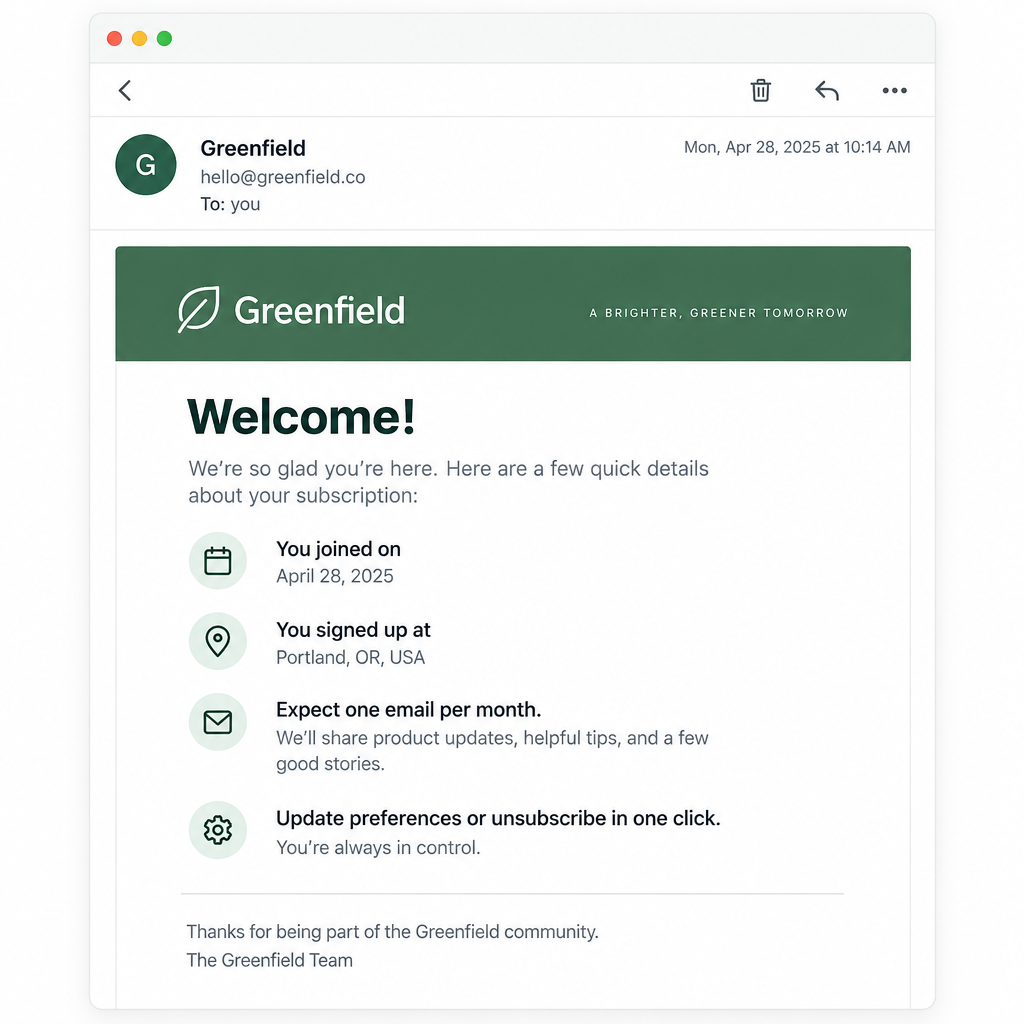
- Tell subscribers the date they signed up. A line like “You joined our list on 14 March 2026” reminds people they asked for your email. Keep the timestamp in your ESP as well. Under GDPR it forms part of your consent record, and in a complaint it’s your evidence.
- Tell subscribers where they signed up. Name the source: “at the front desk,” “on our website checkout,” “at our Santa Monica event.” People forget signups. A specific place helps them remember.
- Let subscribers change their preferences. This means updating an email address, choosing topics and picking a frequency. The original advice to offer “HTML vs text” is mostly history. Modern ESPs send multipart messages that include both versions automatically. A more useful preference now is frequency, for example weekly or monthly. Your emails also need to read well on phones and in dark mode, since that’s where most of them get opened.
- Say how often you plan to send. A monthly newsletter, quarterly promotions, a weekly deals email: put it on the signup form and repeat it in the welcome email.
Put the promise on the form, and send the welcome email right away
Signup forms and welcome emails are where you set expectations. Put one plain sentence next to the form button, for example “One email a month with class schedules and member offers.” Then send a welcome email within minutes, not months. That email should confirm the frequency, say what’s coming next and show the unsubscribe and preference links.
A welcome email for a gym like Sky Sport and Spa could do all of this in a few lines:
- “Thanks for joining the Sky Sport and Spa list on 8 November 2026 at our front desk.”
- “Expect one email on the first Monday of each month with new classes and trainer tips, plus member-only offers about four times a year.”
- “Want fewer emails or a different address? Update your preferences in one click.”
Keep your word after the signup
Telling subscribers what to expect is only half the job. You also have to deliver what you promised. Say you never mention a schedule, then send your first email six months later. By then the subscriber may have forgotten signing up and marked your message as spam because it looked unexpected. They may also have changed email address, and then you lose the contact completely.
All three outcomes cost more today than they did when this advice was first written.
Spam complaints now have hard limits
Mailbox providers measure how often recipients report your mail as spam, and they act on it. Google’s sender guidelines tell senders who send more than 5,000 messages a day to Gmail addresses to keep their spam rate in Postmaster Tools below 0.3%, and to aim for under 0.1%. Yahoo’s Sender Hub sets the same 0.3% ceiling. A forgotten list can pass those numbers in one send. In November 2025, Google said it would step up enforcement against non-compliant bulk mail. That meant more delays and rejections instead of only spam-folder placement.
Unsubscribing has to be easy and fast
Since June 2024, Gmail and Yahoo have required bulk senders to support one-click unsubscribe for marketing mail and to process requests within two days. This uses the RFC 8058 headers, which most ESPs add for you. The List-Unsubscribe field needs an unsubscribe URL, alongside the List-Unsubscribe-Post field:
List-Unsubscribe: <https://example.com/unsubscribe>
List-Unsubscribe-Post: List-Unsubscribe=One-Click
In the United States, the FTC’s CAN-SPAM rules also require a clear opt-out method in commercial email. You must honor opt-outs within 10 business days, and you need a valid physical postal address in the message. Each violating email can draw a civil penalty of more than $50,000.
Authentication is the entry ticket
The rules on expectations sit on top of the technical rules. Gmail and Yahoo require bulk senders to publish SPF and DKIM and a DMARC record. Since 5 May 2025, Microsoft has required SPF, DKIM and DMARC authentication from domains sending more than 5,000 emails a day to consumer Outlook.com addresses, including Hotmail and Live.com. A minimal DMARC record looks like this:
_dmarc.example.com. TXT "v=DMARC1; p=none; rua=mailto:[email protected]"
Long gaps need a reconfirmation, not a surprise
If you’ve gone months without emailing a list, don’t restart with a full promotion. Send a short reconfirmation email first that says who you are, when and where they signed up, and what you’ll send from now on. Then remove anyone who doesn’t click. Use clicks rather than opens for this. Since Apple Mail Privacy Protection launched with iOS 15 in 2021, Apple Mail preloads tracking pixels, so many “opens” from Apple users don’t show that a person actually read anything.
What a long, healthy subscriber relationship looks like
Before your next campaign, tell subscribers what to expect and then do exactly that. Write your sending schedule into the signup form and the welcome email. Check your spam rate in Google Postmaster Tools after each send. If the actual schedule ever stops matching the promise, change one or the other before you hit send.
FAQ
What should a welcome email include to set expectations?
Include the signup date and source, how often you’ll send, what kind of content is coming and a visible link to your preference center. Send it within minutes of signup, while the person still remembers subscribing. Welcome emails tend to get more engagement than later messages, so this is the best place to make the promise.
How often should I email my list?
The right frequency is whatever you told people at signup and can actually keep up. Monthly works for many small businesses. Weekly suits stores with regular new stock or deals. If you want to send more often, say so in a preference update and let people pick a lower frequency instead of unsubscribing.
Is it a problem to email people who signed up a long time ago?
Yes, if they haven’t heard from you since. Old addresses bounce, some get reused as spam traps and forgotten subscribers report mail as spam. All of that pushes you toward Gmail’s and Yahoo’s 0.3% complaint ceiling. Send a reconfirmation email first and keep only the people who click.
Do Gmail’s and Yahoo’s sender rules apply to small senders?
Gmail and Yahoo apply the strictest rules (DMARC, one-click unsubscribe, the 0.3% spam rate) to bulk senders. Google defines a bulk sender as one that sends close to 5,000 messages or more to personal Gmail accounts in a 24-hour period, and once a sender is classified as bulk, the status is permanent. Every sender still needs SPF or DKIM and a low complaint rate, though. Treat the bulk rules as the baseline even if your list is small, because they describe what mailbox filters reward.
Do I still need to offer a plain-text version?
Most ESPs build a plain-text part into every message automatically, so a separate “HTML vs text” preference is rarely needed now. Focus your effort on mobile-friendly layouts and on checking how your emails look in dark mode. Those affect far more readers.
How quickly must I process unsubscribes?
Gmail and Yahoo expect one-click unsubscribe requests from bulk senders to be processed within two days. CAN-SPAM sets a legal maximum of 10 business days in the United States. Aim for the two-day standard and you’ll meet both.
Sources
- Google Workspace Admin Help: Email sender guidelines
- Google Workspace Admin Help: Email sender guidelines FAQ
- Yahoo Sender Hub: Sender Best Practices
- Microsoft Tech Community: Strengthening Email Ecosystem, Outlook’s New Requirements for High-Volume Senders
- FTC: CAN-SPAM Act, A Compliance Guide for Business
- RFC 8058: Signaling One-Click Functionality for List Email Headers