
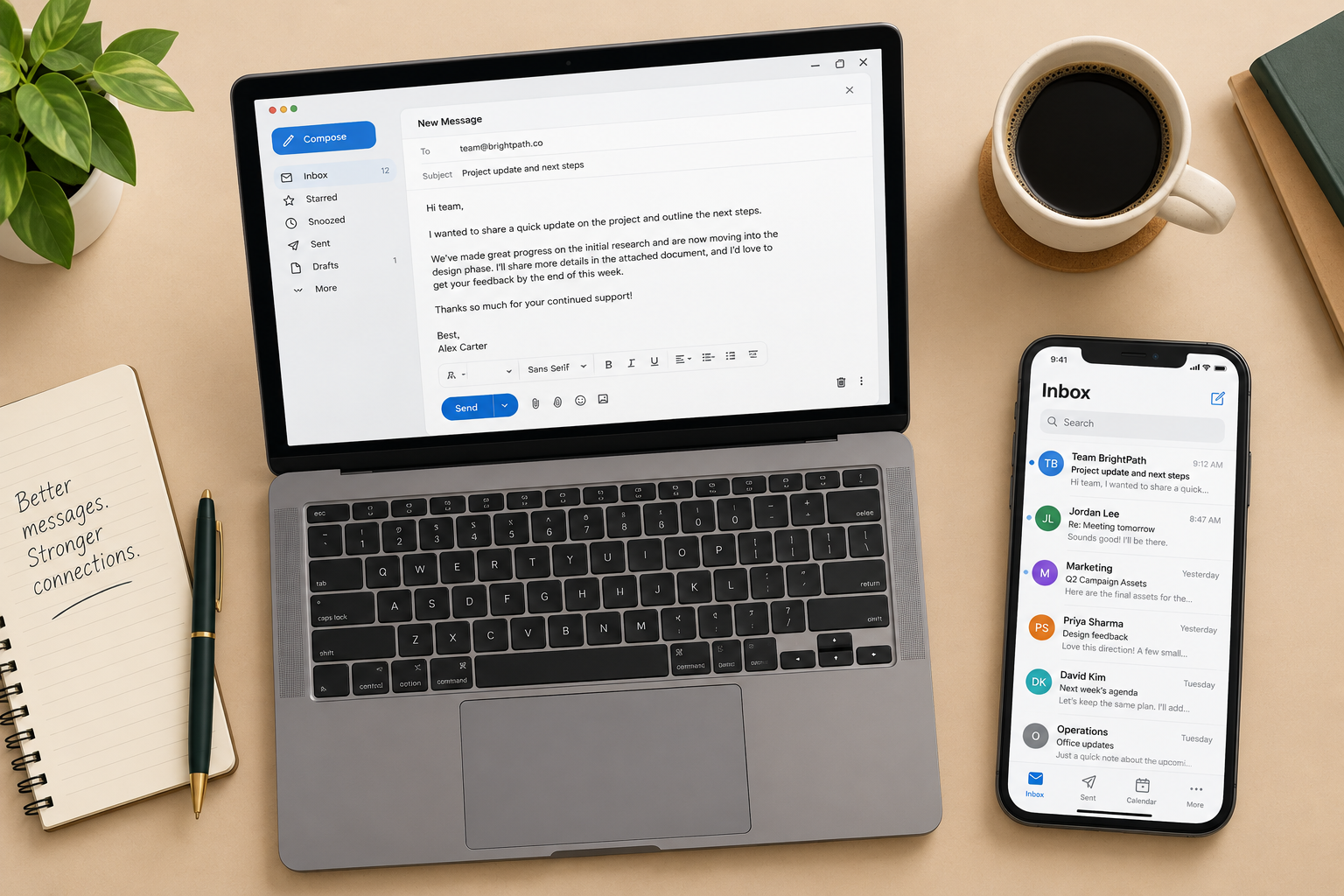
Good email copy in November 2026 follows the same core rules it always did. Spell everything correctly, write like a person, keep it short and make one clear ask. What has changed is the inbox around the copy: subject lines now compete in Gmail’s tabs and on small screens, Apple Mail Privacy Protection inflates open rates so you can’t trust opens to judge a subject line, and since 2024 Gmail and Yahoo require bulk senders to use SPF, DKIM and DMARC, offer one-click unsubscribe and keep spam complaints low. Honest, readable copy is still the cheapest way to stay inside those limits.
Email marketing copy doesn’t have to follow every rule from 8th grade English class. Fragments, contractions and a casual tone are fine, and they often read better. A few mistakes have no excuse, and misspelled words top that list. Have fun with your copy, but keep these guidelines in mind:
How today’s inbox changes the way you write email copy
The guidelines above still hold. Five changes since this post first ran affect how you apply them.
Subject lines and preheaders work as a pair
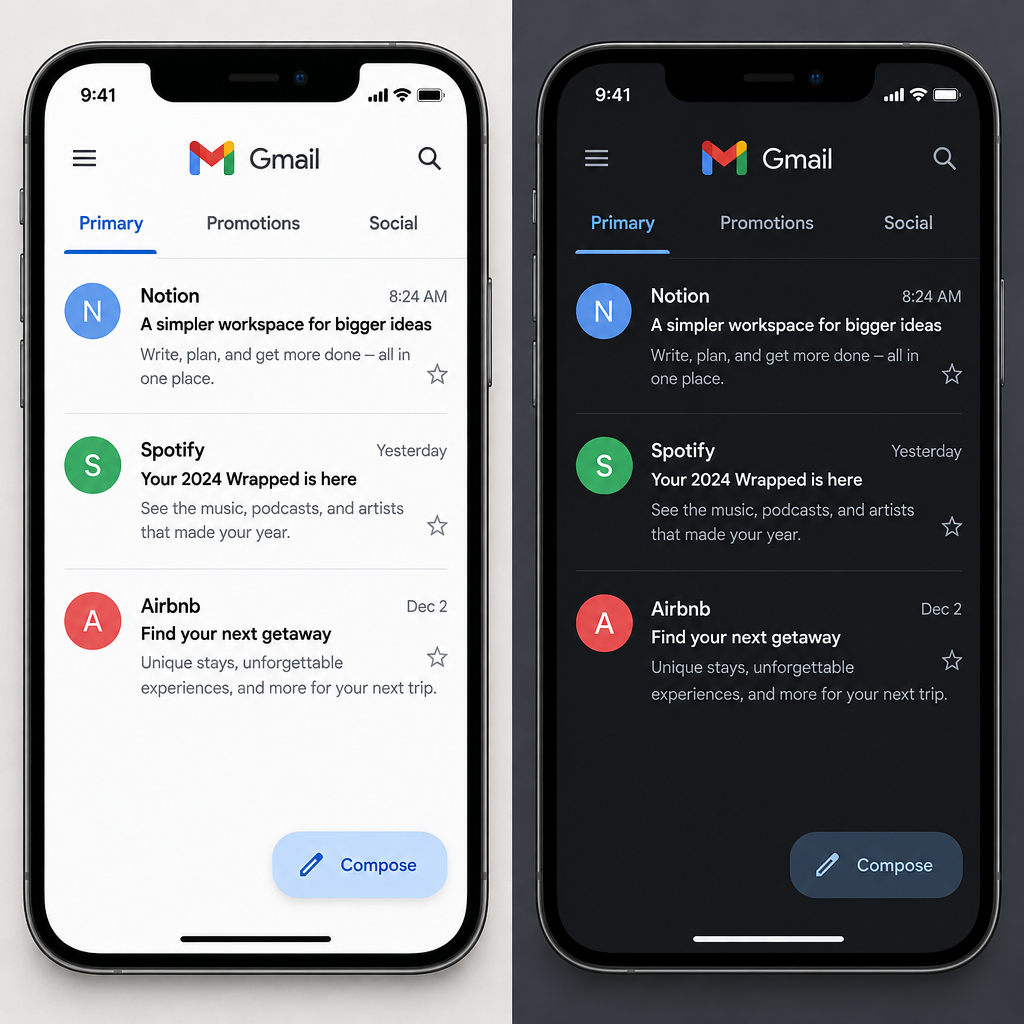
Your preview text now matters as much as your subject line. Gmail’s Primary, Promotions and Social tabs, plus phone inboxes, show only a short line of each. Put the reason to open in the first few words of the subject line. Use the preheader to finish the thought, not to repeat it. If you leave the preheader empty, many email clients fill it with the first text they find, often “View in browser.”
Open rates no longer settle a subject line test
Apple launched Mail Privacy Protection with iOS 15 in September 2021. It preloads images, including tracking pixels, so Apple Mail users can show up as “opens” even when nobody read the email. Litmus and other email analytics firms warn that this skews A/B tests of subject lines. Judge copy by clicks, replies and conversions, and treat opens as a rough signal at best.
Misleading copy now costs you deliverability as well as trust
Since February 2024, Google’s email sender guidelines have set a bar for anyone sending more than 5,000 messages a day to personal Gmail accounts. These senders must authenticate with SPF, DKIM and DMARC, support one-click unsubscribe, honor unsubscribes within two days and keep the spam rate shown in Postmaster Tools below 0.3%. Google says to aim for under 0.1%. Yahoo’s Sender Hub sets similar requirements. Microsoft began enforcing its own authentication rules for senders of more than 5,000 emails a day to Outlook.com, Hotmail.com and Live.com addresses on May 5, 2025.
Copy plays a direct part here. A clickbait subject line or a “Re:” on a message that isn’t a reply leads to spam complaints, and complaints push you toward those limits faster than any technical fault.
The law covers your subject line
Under the CAN-SPAM Act, the FTC prohibits deceptive subject lines and misleading “From” names. Every commercial email must also include a valid physical postal address and a clear way to opt out, and opt-outs must be honored within 10 business days. Each email that breaks the law can draw a penalty of up to $53,088. The FTC kept its 2025 penalty levels for 2026 after the yearly inflation adjustment was cancelled. The rules apply to business-to-business email too.
Most people read on a phone, often in dark mode
Short paragraphs, a single clear call to action and buttons big enough to tap matter more now than in the desktop era. Older advice about getting copy to render in Outlook 2007’s Word-based engine is mostly history. Dark mode is the current version of that problem. Write copy that still makes sense when images are blocked or colors are inverted, and never put your key message only inside an image.
FAQ
Do spelling and grammar mistakes in emails really hurt results?
Yes. A typo in a subject line or offer makes the brand look careless, and a wrong price or date can force an awkward correction email. Mailbox providers don’t filter mail just because a word is misspelled. They filter on reputation and complaints, and sloppy-looking mail tends to draw more of both.
Are there “spam trigger words” to avoid?
Lists of banned words are mostly an old myth. Modern filters at Gmail, Yahoo and Microsoft care more about authentication, sender reputation and how recipients react. “Free” in a subject line won’t get you blocked. A misleading subject line that leads to spam complaints can.
How long should an email subject line be?
Short enough that the key words show up on a phone screen, so lead with what matters. There’s no single correct length. Test variations and judge them by clicks or conversions, since Apple Mail Privacy Protection makes open-based results unreliable.
Does the unsubscribe link wording matter?
Yes. Make it easy to see and use plain words like “Unsubscribe.” Google and Yahoo require bulk senders to support one-click unsubscribe through the List-Unsubscribe header and to honor requests within two days. CAN-SPAM requires a clear opt-out in every commercial email. A hidden link pushes people toward the spam button instead.
Can a casual tone work in business-to-business email?
Usually, yes. Plain, conversational copy reads faster than formal corporate language for most audiences. Match the tone your readers use with each other, and keep the facts, prices and dates exact. CAN-SPAM applies to B2B email just as it does to consumer email.
Should you write the email before or after the subject line?
Write the body first, then write the subject line and preheader to sum up its single main promise. That order keeps the subject line honest, because it describes what’s actually inside. It also lowers the risk of complaints from readers who feel misled.
Sources
- Google, Gmail Help: Email sender guidelines
- Yahoo Sender Hub: Sender best practices and bulk sender requirements
- Federal Trade Commission: CAN-SPAM Act, A Compliance Guide for Business
- Federal Register: FTC Civil Penalty Inflation Adjustments notice, September 15, 2026
- Microsoft Tech Community, Outlook blog: New requirements for high-volume senders
- Litmus: Apple’s Mail Privacy Protection and what it means for email marketers