
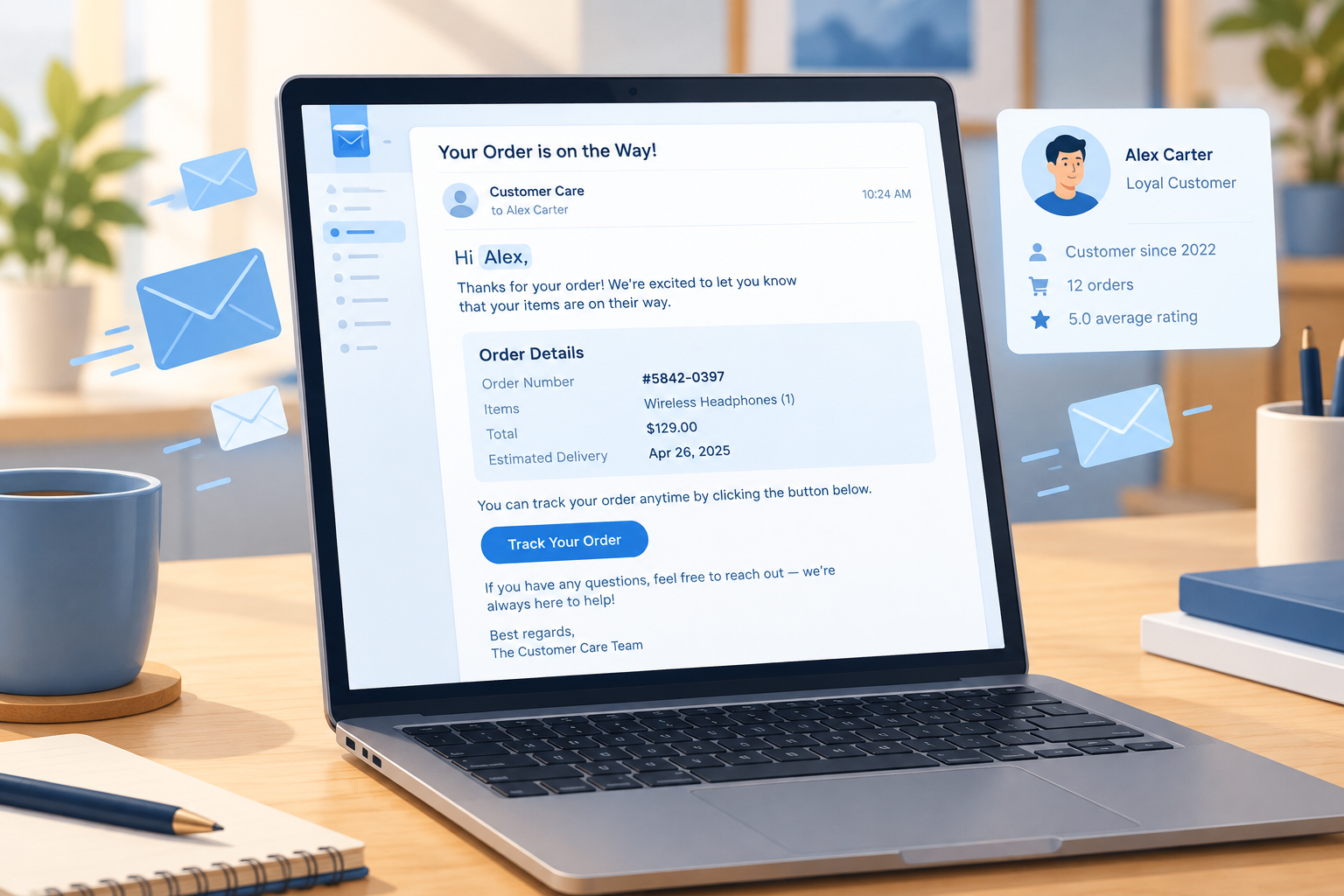
You show customers how well you know them every time you send an email that matches what they actually did. A post-purchase survey should go only to people who bought, ask about the order they placed, and send them back to your site when they finish. Your email platform and survey tool already hold enough data to get this right, so a survey that asks a buyer why they didn’t buy comes down to setup, not missing information. Some things are different now from when this story first ran: Apple Mail Privacy Protection has made open-based triggers unreliable since 2021, and since February 2024 Gmail and Yahoo have required bulk senders to authenticate their mail, offer one-click unsubscribe on marketing email and keep reported spam below 0.3%. A badly targeted survey hurts your reputation with customers and with mailbox providers.
The survey that asked the wrong question
Email marketers are demanding subscribers. One who regularly answers feedback requests from the brands they subscribe to had a simple reason for doing it: better feedback should lead to better-targeted email for them and more effective campaigns for everyone else on the list. After an online purchase, a survey arrived from the store asking for feedback on the most recent visit.
The survey was about the checkout process. The customer opened a nicely branded HTML email and clicked through to a plain, generic survey template with only one question, and that question didn’t apply to them. It asked why they had not completed a purchase on their last visit.
The closest answer was “I came back later to complete my purchase.” The customer wasn’t sure that was what happened, and the option left no room to explain. So they picked “I had trouble completing my purchase,” because it was the only option with a comment box. In the comment they pointed out that even if they had come back later to finish, the store knew about the purchase because it was in its own system.
That raises the real question: why send this survey to a buyer at all? If the honest answer was “I came back later to complete my purchase,” the store already knew it. An answer that only repeats what the order database shows teaches the business nothing.
Where the survey went after submit
After the customer submitted the form, the survey tool didn’t send them back to the store’s website. It dropped them on the survey vendor’s home page. The whole exchange didn’t look carefully put together. With luck, feedback like this pushes a business to plan more carefully before it asks customers for data.
What went wrong, and how to fix it today
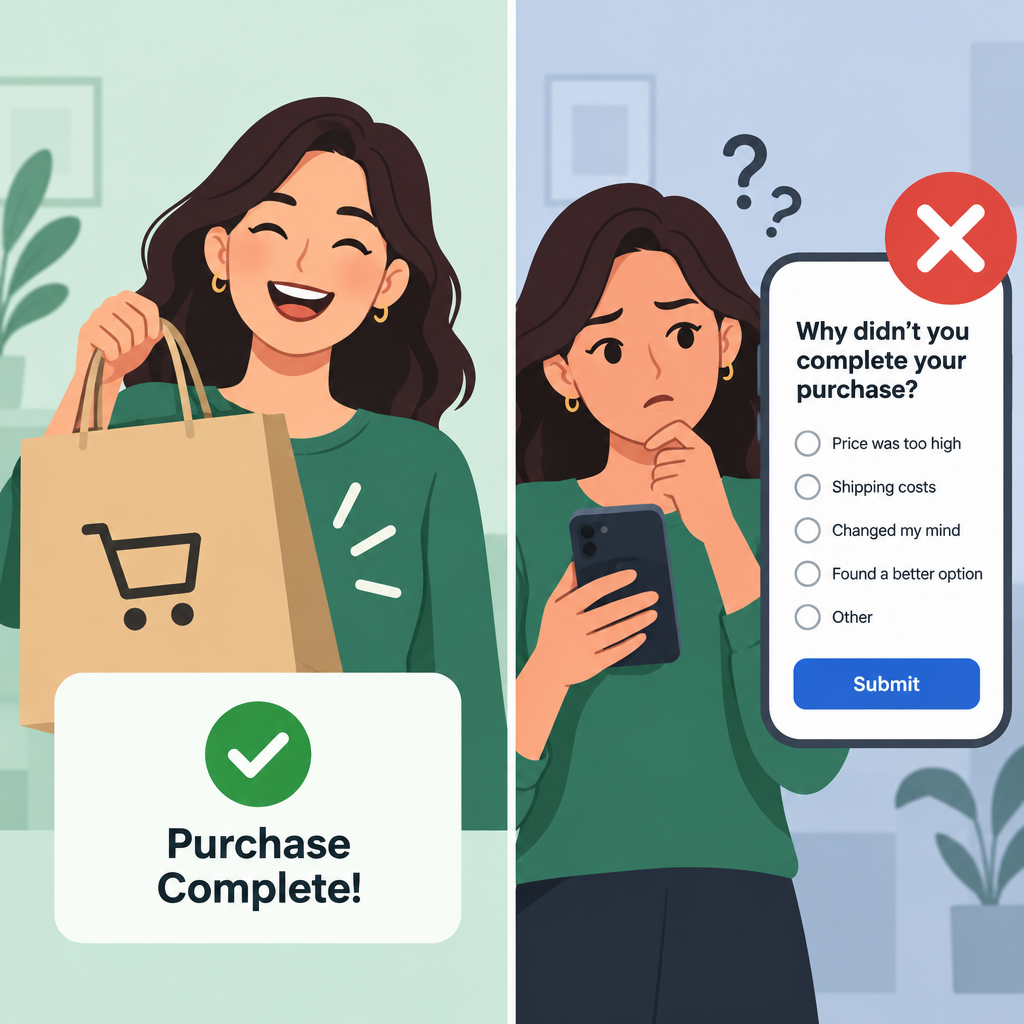
Three mistakes happened together: the wrong audience, a question that didn’t fit the person, and a dead end after submitting. Each one has a standard fix in today’s email and survey tools.
| Mistake in the story | Why it hurts | Fix in current tools |
|---|---|---|
| Survey about an abandoned checkout sent to a buyer | The customer feels unknown, and the answers are useless | Filter out buyers before the send (in Klaviyo: “Placed Order zero times since starting this flow”) |
| One question, with only one option allowing comments | Forces a wrong answer to get a word in | Add “Other” with a text box to every multiple-choice question |
| Branded email leads to an unbranded survey | Breaks trust and lowers completion | Apply your logo, colours and domain in the survey tool’s theme settings |
| Respondent lands on the survey vendor’s home page | Lost visit, lost goodwill | Set a custom end page or redirect back to your site |
| No customer context passed to the survey | Asks for what you already know | Pass a customer or order ID in the survey link |
Send the right survey to the right segment
The most likely cause here was an abandoned-checkout survey sent from a trigger that never checked whether the person later bought. Abandoned-cart and abandoned-checkout flows need a suppression rule. Klaviyo’s help center documents a flow filter that checks whether a person has “Placed Order zero times since starting this flow,” and its prebuilt abandoned-cart flows usually include it. Klaviyo treats someone dropping out of the flow after buying as the flow working correctly, not as an error.
A good structure is to keep two separate surveys:
- Checkout-abandonment survey: only for people who started checkout and haven’t placed an order by the time the email sends.
- Post-purchase survey: only for people with a completed order, ideally after delivery, about the order they actually placed.
Don’t trigger either survey from opens. Since Apple Mail Privacy Protection arrived with iOS 15 in 2021, Apple Mail can download images and tracking pixels in the background, so an “open” may not mean a person read anything. Clicks, orders and checkout events are much more reliable triggers.
Pass what you already know into the survey
Most survey tools can receive data through the survey link, so you never have to ask a customer something your systems already record:
- SurveyMonkey uses custom variables added to a Web Link collector, and the values travel in the link’s query string. This is a paid-plan feature.
- Typeform calls these URL parameters (formerly hidden fields). You set them up under Logic, then Personalize with data, and fill them in from your CRM or email platform.
The values appear in the URL, so anyone who sees the link can read them. Pass a non-sensitive order or customer ID, never an email address or anything private, and look up the rest on your side.
Close the loop after submit
Every survey should end somewhere useful. SurveyMonkey lets you set a custom end page or redirect respondents to a website after they finish, and custom variables can pass through to that redirect URL. A good choice is to send people to an order-status page, a thank-you page or a relevant product category rather than to the vendor’s home page.
Keep the survey email compliant
A survey email is still email, so the 2024 mailbox rules may apply, depending on your sending volume and whether the message is promotional. Since February 2024, Google has required senders of more than 5,000 messages a day to Gmail addresses to authenticate with SPF, DKIM and DMARC. Marketing or promotional messages must offer one-click unsubscribe, and the user-reported spam rate must stay under 0.3%, with Google advising you to aim below 0.1%. Yahoo set matching requirements at the same time. Microsoft added similar rules for Outlook.com, Hotmail.com and Live.com addresses on 5 May 2025, for senders of 5,000 or more messages a day.
A minimal DMARC record that meets the baseline looks like this:
_dmarc.example.com. TXT "v=DMARC1; p=none; rua=mailto:[email protected]"
Irrelevant surveys are exactly the kind of email that gets reported as spam. A buyer who gets asked “why didn’t you buy?” is more likely to hit the spam button than to fill in the form.
FAQ
When should a post-purchase survey be sent?
Send it after the customer has had time to experience the order, usually a few days after delivery. Experience surveys work best then. For a question about checkout itself, a short survey on the order confirmation page or soon after purchase gets fresher answers. Either way, base the timing on order and fulfilment events, not opens.
How many questions should an email survey have?
Use as few as answer the question you actually have, and lead with the one that matters most. The survey in this story went wrong because its question didn’t fit the person, not because it was too short. Always add an “Other” option with a comment box so customers never have to pick a wrong answer to get a word in.
Does CAN-SPAM apply to customer survey emails?
It depends on the email’s primary purpose. The FTC’s CAN-SPAM compliance guide says emails with only transactional or relationship content are exempt from most of the law’s rules. If the commercial content is the main focus, or the transactional content doesn’t appear mainly at the beginning, the email counts as commercial. If you add coupons or product promotions to a survey email, treat it as marketing and include a working unsubscribe and your postal address.
Can open rates be used to decide who gets a survey reminder?
Not reliably. Apple Mail Privacy Protection can load tracking pixels without anyone reading the email, which inflates opens for Apple Mail users. Base reminders on whether the person started or completed the survey, which your survey tool records directly.
How do you stop abandoned-cart emails reaching people who already bought?
Add a filter that removes anyone who placed an order after entering the flow. In Klaviyo, this is the profile filter “Placed Order zero times since starting this flow,” found under “What someone has done.” Most other ESPs offer an equivalent exit condition on purchase events. Check that the filter is still there whenever you copy or rebuild the flow.
Sources
- Google Workspace Admin Help: Email sender guidelines
- Yahoo Sender Hub: Sender best practices and requirements
- Microsoft Defender for Office 365 Blog: Strengthening Email Ecosystem: Outlook’s New Requirements for High-Volume Senders (2 April 2025)
- Federal Trade Commission: CAN-SPAM Act: A Compliance Guide for Business
- SurveyMonkey Help Center: Custom variables, and redirecting respondents upon completion
- Typeform Developers: Form URL Parameters (formerly Hidden Fields)
- Klaviyo Help Center: Create an Abandoned Cart Flow