
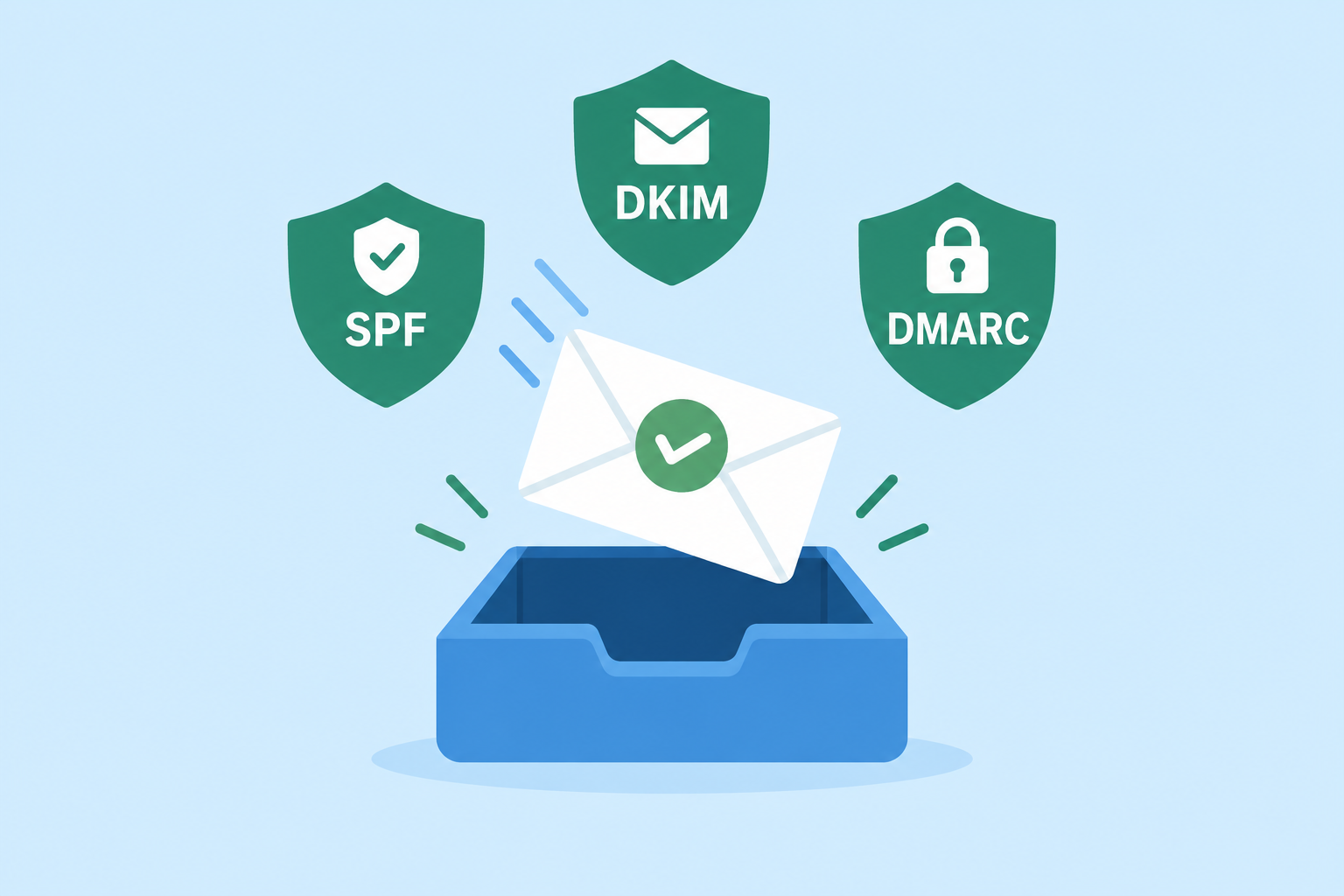
To improve deliverability in November 2026, start with authentication. Your sending domain needs SPF, DKIM and a DMARC record that aligns with your visible From address. Then keep your list clean by acting on bounces, give recipients one-click unsubscribe, and keep spam complaints under 0.1%. Since this post first ran, Gmail, Yahoo and Microsoft have turned these practices into hard rules for bulk senders. Gmail’s bulk-sender requirements took effect in February 2024, and Gmail stepped up rejections of non-compliant bulk mail from November 2025. Apple Mail Privacy Protection can also prevent senders from reliably determining whether a recipient opened a message, so open rates alone do not prove inbox delivery.
Why deliverability matters
What’s an email with no recipient? A draft. A dummy. A disappointment. You don’t want the work that went into your email campaign to get lost in limbo. A case study published at the time, “How to Improve Email Deliverability,” looked at strategies for reaching the inbox with every audience. Its main lessons still hold. Audit before you buy, plan any system change with care, and treat bounces as data instead of noise.
What has changed is how strictly inbox providers check senders.
| Provider | Who the rules cover | What is required | In force since |
|---|---|---|---|
| Gmail | Senders of about 5,000+ messages a day to personal Gmail accounts | SPF, DKIM, DMARC with alignment, one-click unsubscribe, spam rate under 0.3% | February 2024, with rejections stepped up from November 2025 |
| Yahoo Mail | Bulk senders (Yahoo publishes no fixed number) | SPF, DKIM, DMARC, one-click unsubscribe honored within two days, low complaint rate | February 2024, with one-click enforced from June 2024 |
| Outlook.com, Hotmail, Live.com | Senders of more than 5,000 messages a day | SPF and DKIM passing, DMARC published and passing through alignment | May 5, 2025 |
Microsoft says non-compliant mail from high-volume senders goes to Junk first, and may be rejected if the problems continue. Google’s FAQ says failing messages face temporary and permanent rejections. Senders who go over a 0.3% spam rate also lose access to delivery mitigation until they stay below it for seven days in a row.
Here is a minimal DNS setup for a domain that sends through one email service provider (ESP). Your ESP gives you the exact SPF include and the DKIM key.
example.com. TXT "v=spf1 include:_spf.youresp.com ~all"
s1._domainkey.example.com. CNAME s1.domainkey.youresp.com.
_dmarc.example.com. TXT "v=DMARC1; p=none; rua=mailto:[email protected]; adkim=r; aspf=r"
Start DMARC at p=none so you can read the reports. Once every legitimate source passes, move to p=quarantine and then to p=reject.
Be a detective: audit vendors before you switch
Use audits and inspections to find the right fix. If you’re looking for a new vendor to improve deliverability, don’t buy in to the sales presentation alone. Ask for specifics and proof: show, not tell. If you want delivery confirmations and tracking by mailbox provider, have the vendor show it working on your own mail. Compare several vendors until you find what you need.
In 2026, proof means things you can check yourself:
- Authentication on your own domain. The vendor should sign mail with DKIM on your domain, not a shared one, so DMARC aligns.
- One-click unsubscribe headers. Ask whether the platform adds
List-UnsubscribeandList-Unsubscribe-Post(RFC 8058) to marketing mail by default. - Bounce and complaint data broken out by provider. Gmail does not send a traditional complaint feedback loop to most senders. Yahoo does, through Sender Hub, and it is keyed to DKIM. A good vendor shows both kinds of data.
- Postmaster access. Google Postmaster Tools v2 replaced the old dashboard in late 2025. Its Compliance Status page shows whether your domain passes each sender requirement. Microsoft offers SNDS for IP data.
Treat open rates in a vendor’s case studies with caution. Apple Mail Privacy Protection preloads images, which fires tracking pixels whether or not anyone reads the message. A high open rate no longer proves inbox placement. Clicks, conversions, complaint rates and seed or panel placement tests tell you more.
Plan the switch: implementation and transition
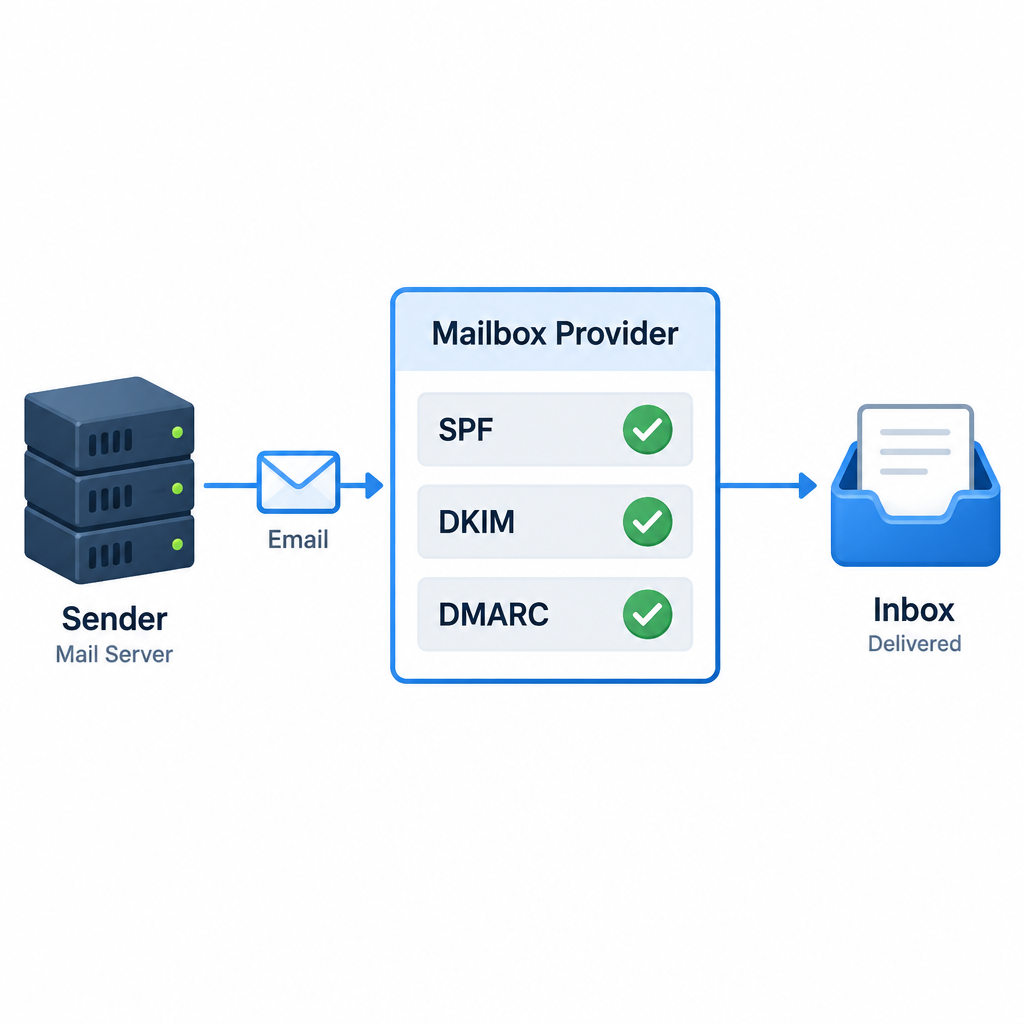
If you’re going to change your sending system or server, success comes down to implementation and transition. Make the move smooth and easy for your team and for yourself.
One part of that is new today. A new IP address or a new sending domain has no reputation, and mailbox providers are wary of sudden volume from an unknown source. Warm it up gradually. Send to your most engaged subscribers first, then raise volume over several weeks while you watch bounces and complaints. Keep the old system running alongside the new one until the new one is stable. Update SPF and DKIM before the first send, not after.
Manage your bounces
Please manage your bounces. In the original case study, Ed O’Neill, Director of Tech Services at the tech jobs site Dice, sorted bounced emails into 20 categories. That took off the blindfold and showed his team exactly why messages weren’t arriving. The reasons ranged from full mailboxes to spam filtering to blocks at specific providers such as Hotmail (now Outlook.com) and Gmail.
The idea still works. Today, standard SMTP codes do most of the sorting for you:
| Bounce type | Typical code | What it means | What to do |
|---|---|---|---|
| Hard bounce | 5.1.1 | Mailbox does not exist | Suppress right away |
| Soft bounce | 4.2.2 | Mailbox full or temporarily unavailable | Retry, then suppress after repeated failures |
| Authentication failure | 5.7.26 (Gmail) | Message failed SPF, DKIM or DMARC checks | Fix DNS before sending again |
| Policy or reputation block | 4.7.x or 5.7.x | Provider is limiting or refusing your mail | Check spam rate, list sources and postmaster data |
| Rate limiting | 4.7.28 (Gmail) | Too much mail too fast from a new or doubtful source | Slow down and warm up |
Any modern ESP suppresses hard bounces automatically. The value is in reading the 4.7.x and 5.7.x codes. A sudden spike at one provider usually points to a reputation or authentication problem, not a bad address.
Take a hands-on approach
Take a hands-on approach to your results. Follow these practices and ask for detailed post-campaign reports. A good report now shows authentication pass rates, bounces by code and provider, complaint rate, and clicks. Your weekly check should be the Postmaster Tools compliance page and your DMARC reports.
FAQ
What is a good email deliverability rate?
For a clean, permission-based list, delivery (the share of mail not bounced) should be above 98%. Delivery is not the same as inbox placement, though. A message can be accepted and still land in spam. To judge inbox placement, check postmaster data, complaint rates and placement tests.
Do I need DMARC if I send only a few hundred emails a month?
Google requires DMARC only from bulk senders. Even so, a DMARC record at p=none takes minutes to set up, protects your domain from spoofing, and gets you ready if your volume grows. All senders still need SPF or DKIM to reach Gmail.
What spam complaint rate gets me blocked by Gmail?
Google asks senders to stay under 0.1% and never reach 0.3%. Above 0.3%, you can’t get delivery mitigation from Google. To get it back, you must stay below that level for seven days in a row while meeting every other requirement.
Why are my open rates high but clicks and sales flat?
Apple Mail Privacy Protection records opens for messages nobody read, so open rates are inflated wherever many readers use Apple Mail. Use clicks, conversions and reply rates to judge engagement. Use opens only for rough comparisons within the same audience.
How fast must I process unsubscribes?
Under CAN-SPAM, the FTC gives you 10 business days to honor an opt-out. Yahoo asks bulk senders to honor one-click requests within two days, and Google expects them handled within 48 hours. Following the stricter mailbox provider standard keeps you safe on both counts.
Should I buy a list to grow faster?
No. Bought lists are full of invalid addresses and spam traps, and the people on them never agreed to hear from you. That drives up bounces and complaints, the two signals mailbox providers punish hardest. It can also break CAN-SPAM or GDPR consent rules.
Most deliverability problems trace back to one thing: mail the recipient didn’t ask for, or can’t verify came from you. Fix authentication first. Then let your bounce and complaint data show you what to fix next.
Sources
- Google: Email sender guidelines FAQ
- Yahoo Sender Hub: Sender best practices
- Microsoft Tech Community: Outlook’s new requirements for high-volume senders
- FTC: CAN-SPAM Act compliance guide for business
- Federal Register: FTC adjustments to civil penalty amounts (2025)