
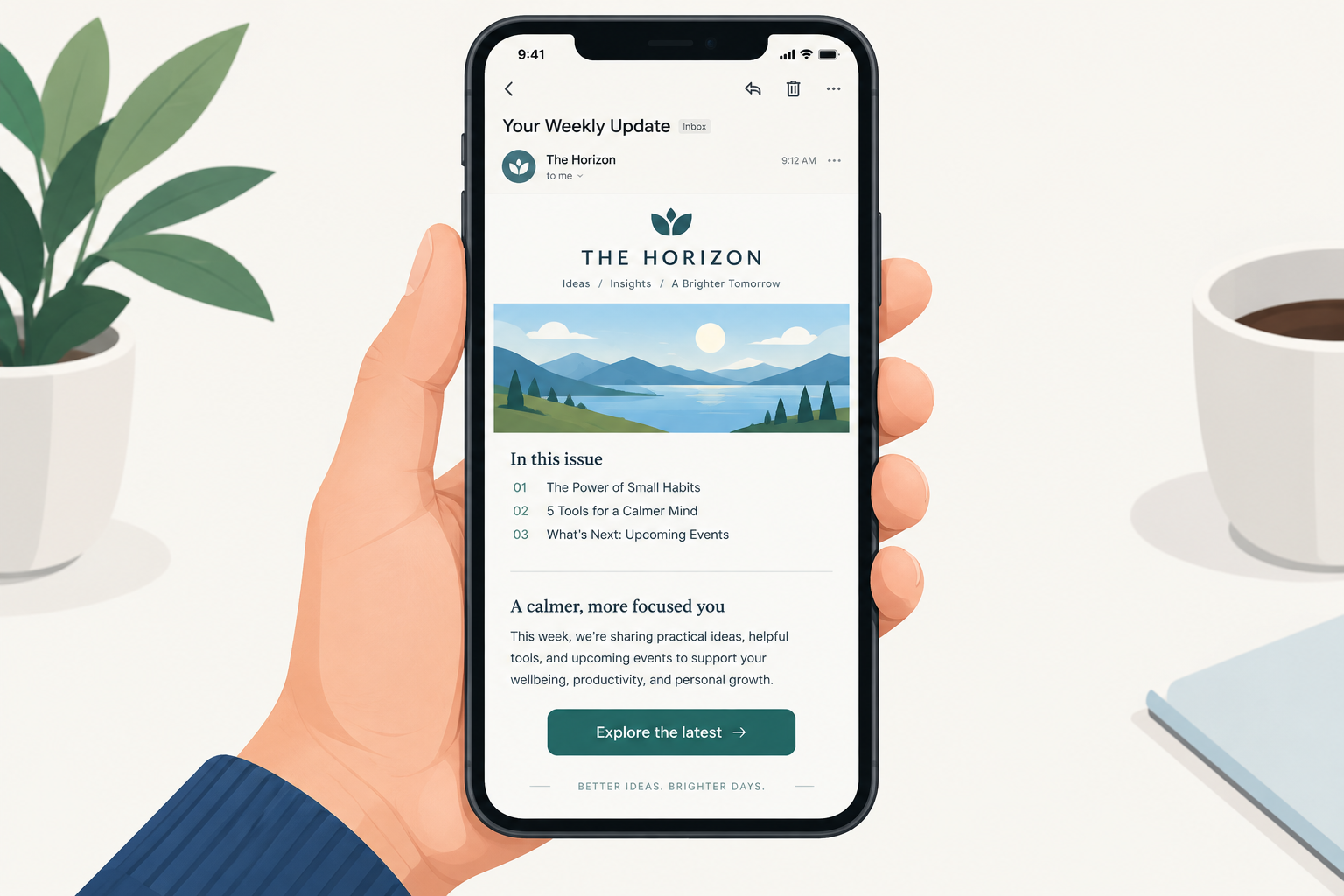
A newsletter that gets the basics right still needs four things to work in November 2026: a clean, light HTML template, a subject line and preheader that state the main call to action, a clickable table of contents, and links that go straight to each story. Much has changed since this teardown first ran. Most people now read email on a phone, often in dark mode. Apple Mail Privacy Protection makes open rates unreliable. And since February 2024, Gmail and Yahoo require bulk senders to authenticate their mail and keep spam complaints low. Both require SPF, DKIM and a DMARC record, and qualifying marketing or subscribed messages must offer one-click unsubscribe. The design lessons below still apply. Where the technical advice has dated, the text now says so.
The newsletter in question
The Orlando Advertising Federation, the Orlando chapter of the American Advertising Federation that now goes by AAF Orlando, does a good job of staying in touch with local advertisers and brands. It can reach members through its website, through email and through several other channels.
Its OAF Update of February 13, 2007 could have shared interesting, timely news with members. But it was plain text with only a small logo, and that wasn’t enough to grab attention, especially from advertising professionals who expect quality work.
Plain text versus a simple HTML template
A simple HTML template would have helped. It needed only the OAF logo built into the masthead, a related image beside each short story and a clean, consistent look.
That advice still holds for a creative-industry audience, but the details are different now:
- Images now load by default in Gmail. Since 2013, Gmail has served images through its own proxy. In 2007, most clients blocked images until the reader allowed them. Many corporate Outlook setups still block them, so every image needs alt text, and the key message has to work without pictures.
- Dark mode changes how logos look. A dark logo on a transparent background can disappear on a dark inbox. Give the logo a light outline or a solid background.
- Mobile comes first. A single-column layout with tappable buttons reads better on a phone than the multi-column templates of 2007. Outlook 2007 itself is obsolete, but many Windows desktop versions of Outlook still use the Word-based rendering engine that broke so many designs back then. So desktop Outlook for Windows still needs testing.
- Plain text can win. Light, letter-style emails often get more replies and look more personal. For a members’ update from a small association, a well-formatted text email with one strong link can beat a heavy template. What failed here was presentation, not the lack of images.
The table of contents at the top
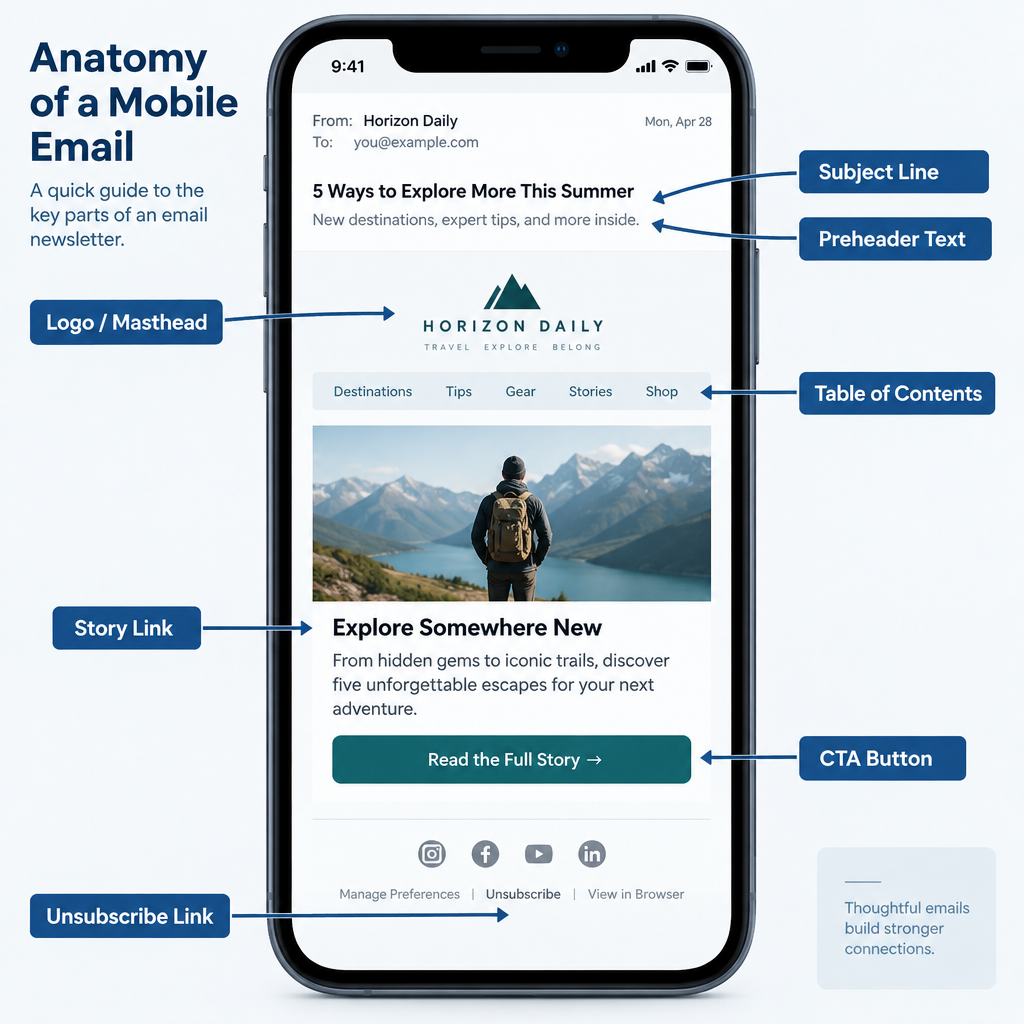
Putting a table of contents at the top of the message was a smart move. Readers could see what the issue covered in the preview pane. The whole list might not fit in the pane, but readers still got the idea that it listed everything in the issue.
Today the first thing a reader sees is usually a phone inbox, not a desktop preview pane. That view shows the sender name, the subject line and a line or two of preheader text. Use the preheader to tease the top two or three stories, then keep the table of contents as the first block of the email.
Links to each story
A nice touch would have been to link each item in the table of contents to its article, and to add a “back to top” link at the end of each article. That makes the issue easier to move around in. A reader may only care about the sixth article. If finding it means scrolling past five others, they may give up and leave. One click that goes straight to the story keeps them in the message, and with the brand, for longer.
The idea still works, but in-email anchor links are less reliable than they were on desktop clients in 2007. ESP help centers report that jump links work in Gmail on the web and on Android. Support is patchy or missing in the Gmail iOS app, some versions of Apple Mail on iOS, and Outlook for Mac. Today there are two common fixes:
- Link each table-of-contents item to the full article on your website, and keep a short summary in the email.
- If you use anchors, test them on the clients your audience actually uses, and make sure the page still makes sense when the jump fails.
Linking out has one more advantage now. Apple Mail Privacy Protection, launched with iOS 15 in 2021, preloads images and inflates open rates. Clicks are now the more honest sign of what members read.
Long newsletters face one more modern limit. Gmail clips messages whose HTML is larger than about 102KB and hides the rest behind a “View entire message” link. Clipping can hide the unsubscribe link and the open-tracking pixel. A short email that links out stays under that limit.
The lead story and the call to action
OAF did well to make the ADDYs the lead story and to include an RSVP link. Only a few days were left to RSVP, and the deadline appeared in red text above the fold. Still, adding the call to action to the subject line might have raised attendance.
The ADDY Awards have since been renamed the American Advertising Awards, though winners still receive ADDYs. The tactic is unchanged. A subject line such as “RSVP by Friday for the ADDY Awards gala”, with a preheader that repeats the date, tells members what to do before they even open the email. Two refinements apply today:
- Don’t rely on red text alone to signal urgency. Some readers can’t tell colors apart, and dark mode can shift them. State the deadline in words and put it on a clear button.
- Keep the subject line honest. The FTC’s CAN-SPAM rules ban misleading subject lines. Inbox providers also count spam complaints, and a subject that oversells the content tends to draw more of them.
The verdict
OAF had the basics down, with room to improve. That is still where most association and member newsletters sit. Before you redesign anything, check the parts readers never see: SPF, DKIM and a DMARC record on your sending domain, a working one-click unsubscribe, and a spam rate in Google Postmaster Tools below 0.1% that never reaches 0.3%. A beautiful template does nothing if Gmail sends it to spam.
FAQ
Should a newsletter be HTML or plain text?
Pick the format that fits the audience and the job. A creative or retail audience expects a designed HTML email. A short update from a person or a small group often does as well or better as light text with one or two links. Many teams send a simple HTML email that looks almost like plain text, and that works well.
Do anchor links still work in email newsletters?
Only partly. ESP help centers report that they work in Gmail on the web and on Android. Support is unreliable in the Gmail iOS app, some versions of Apple Mail on iOS, and Outlook for Mac. For most newsletters, linking each table-of-contents item to the full story on your website is the safer choice.
Why are my newsletter open rates so high but clicks are low?
Apple Mail Privacy Protection preloads images, including tracking pixels, for many Apple Mail users. The email then counts as opened even if no one read it. Use clicks, replies and conversions such as RSVPs as your main measures, and treat opens as a rough trend at best.
What do Gmail and Yahoo require from newsletter senders?
All senders need SPF or DKIM, valid DNS and a low spam rate. Bulk senders, meaning those sending close to 5,000 or more messages a day to Gmail addresses, must authenticate with SPF, DKIM and DMARC, offer one-click unsubscribe and process unsubscribes within two days. Google asks senders to keep spam rates below 0.1% and never reach 0.3%. Microsoft added similar rules for Outlook.com, Hotmail and Live addresses from May 5, 2025.
Should the call to action go in the subject line?
Yes, when one action matters most, such as an RSVP deadline. Put the action and the date in the subject, repeat them in the preheader, and repeat them again on a button near the top of the email. Keep it accurate, because a misleading subject line breaks CAN-SPAM and draws spam complaints.
How long can an email newsletter be before Gmail clips it?
Gmail clips messages whose HTML is larger than about 102KB and shows a “View entire message” link. The size counts the code, not just the words, so bulky templates hit the limit sooner. Keep the code lean and link out to longer articles.
Sources
- Google Workspace Admin Help: Email sender guidelines
- Yahoo Sender Hub: Sender Best Practices
- Microsoft Tech Community, Outlook blog: Strengthening the email ecosystem, Outlook’s new requirements for high-volume senders
- Federal Trade Commission: CAN-SPAM Act, A Compliance Guide for Business
- ActiveCampaign Help Center: Why is Gmail “clipping” my email?
- ContactMonkey Help Center: anchor link support across email clients