
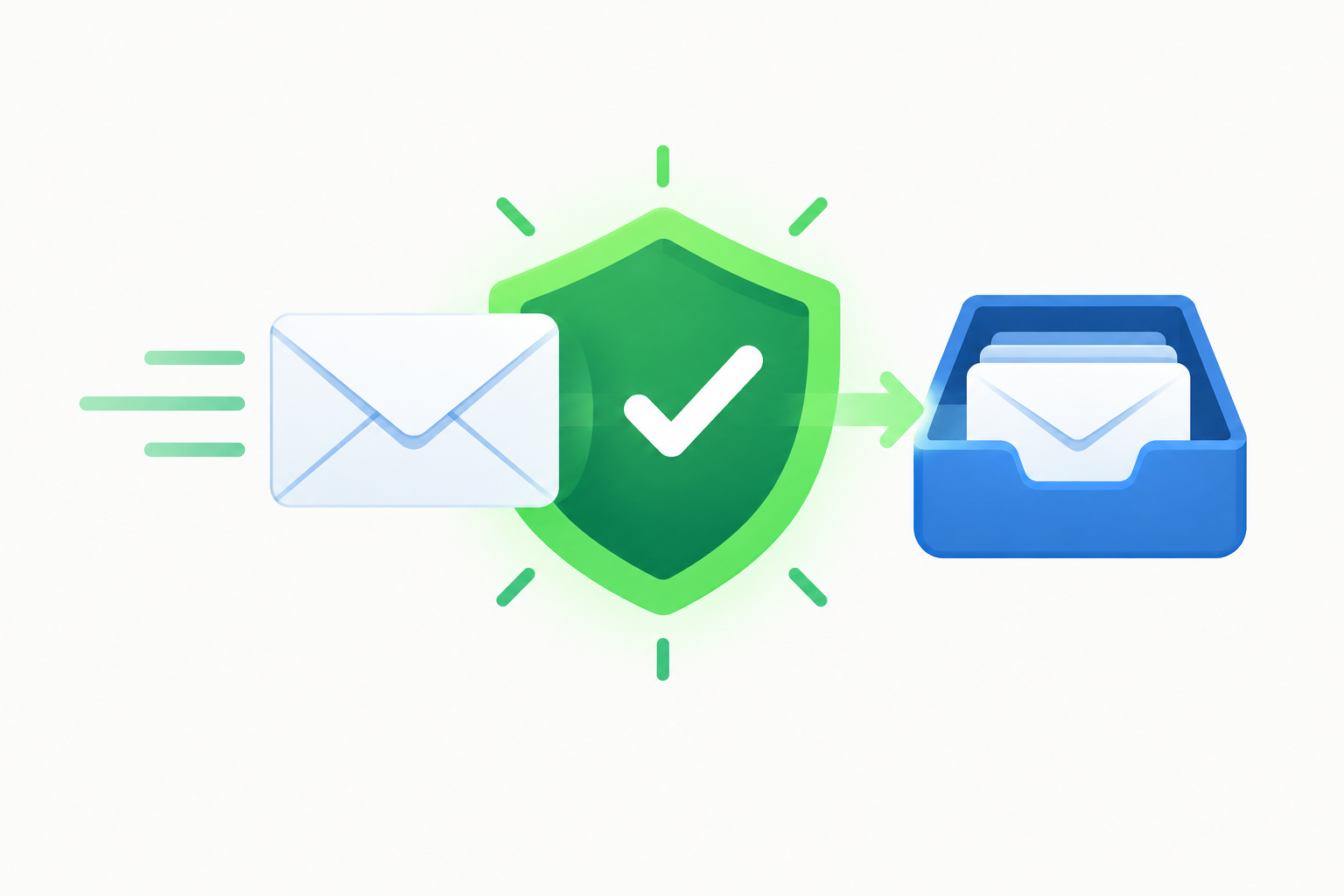
Asking subscribers to add your From address to their contacts or safe senders list still helps in November 2026, but it no longer decides on its own whether your email reaches the inbox. Gmail, Yahoo, AOL and Outlook.com now look mainly at authentication (SPF, DKIM, DMARC), complaint rates and engagement, so a safelisted sender that fails those checks can still land in spam or be rejected outright. The biggest change since this post first ran came with the 2024 Gmail and Yahoo bulk sender rules and Microsoft’s May 2025 rules for Outlook.com. Those rules made authentication and one-click unsubscribe mandatory for high-volume senders, so a safelist request now sits on top of good sending practice and can’t stand in for it.
Why whitelisting matters, and what it can’t fix
One of the questions asked most often is “Why is our bounce rate so high?” The original answer here was that, nine times out of ten, the sending address wasn’t on the customer’s whitelist. That needs correcting. A message filtered to the junk folder has not bounced. It was accepted and then sorted into spam, which hurts you without ever showing up in your bounce report.
A bounce means the receiving server refused the message. Hard bounces usually come from invalid or closed addresses. Soft bounces come from temporary problems such as a full mailbox or rate limiting. Today a growing share of rejections also come from failed authentication. Since May 5, 2025, Outlook.com has required domains sending more than 5,000 emails a day to its users to pass SPF, DKIM and DMARC, and it rejects non-compliant mail with the error “550 5.7.515 Access denied, sending domain does not meet the required authentication level.” Google said in November 2025 that it was ramping up enforcement of its sender guidelines, which means more deferrals (4xx errors) and rejections (5xx errors) for bulk senders that don’t comply.
A subscriber’s safelist can’t fix any of that. What it does fix is false positives: wanted mail that gets filtered to spam even though you authenticate properly and send to people who asked for it.
The core advice from the original post still holds. The best way to cut false positives is to ask subscribers, at signup, to add you to their address book or safe senders list. A simple line works:
“To make sure our messages reach your inbox, please add [email protected] to your contacts.”
Put that request on the signup confirmation page and in the welcome email, where attention is highest. A short reminder in the header or footer of later messages helps too. Keep it to one line so it doesn’t push your actual content below the fold on mobile.
How mailbox providers filter unknown senders
The original post said that AOL and Hotmail sent email from unknown senders to the junk folder, where recipients never read it. That was broadly true of the 2000s webmail era, and part of it is history now. Windows Live Hotmail became Outlook.com, which Microsoft runs today alongside Outlook for Windows and Mac. AOL Mail now runs under Yahoo Inc. on the same mail platform as Yahoo Mail and follows the same sender requirements.
Modern filters don’t junk mail just because the sender is unknown. They weigh:
- Authentication. Under Google’s guidelines, all senders need SPF or DKIM. Bulk senders (close to 5,000 or more messages a day to personal Gmail accounts) need SPF, DKIM and DMARC.
- Complaints. Google tells senders to keep their spam rate in Postmaster Tools below 0.1% and never let it reach 0.3%. Yahoo also points to a 0.3% threshold.
- Unsubscribe handling. Since June 2024, Gmail and Yahoo have required bulk marketing mail to support one-click unsubscribe (RFC 8058 List-Unsubscribe headers). Yahoo expects opt-outs to be honored within two days.
- Engagement. Opens, replies, deletions without reading, and “Not spam” clicks all shape how each user’s filter treats you.
Adding you to contacts is one of the strongest positive signals a single user can send. The other signals still count, though, and they count more as your volume grows.
How few marketers asked to be whitelisted
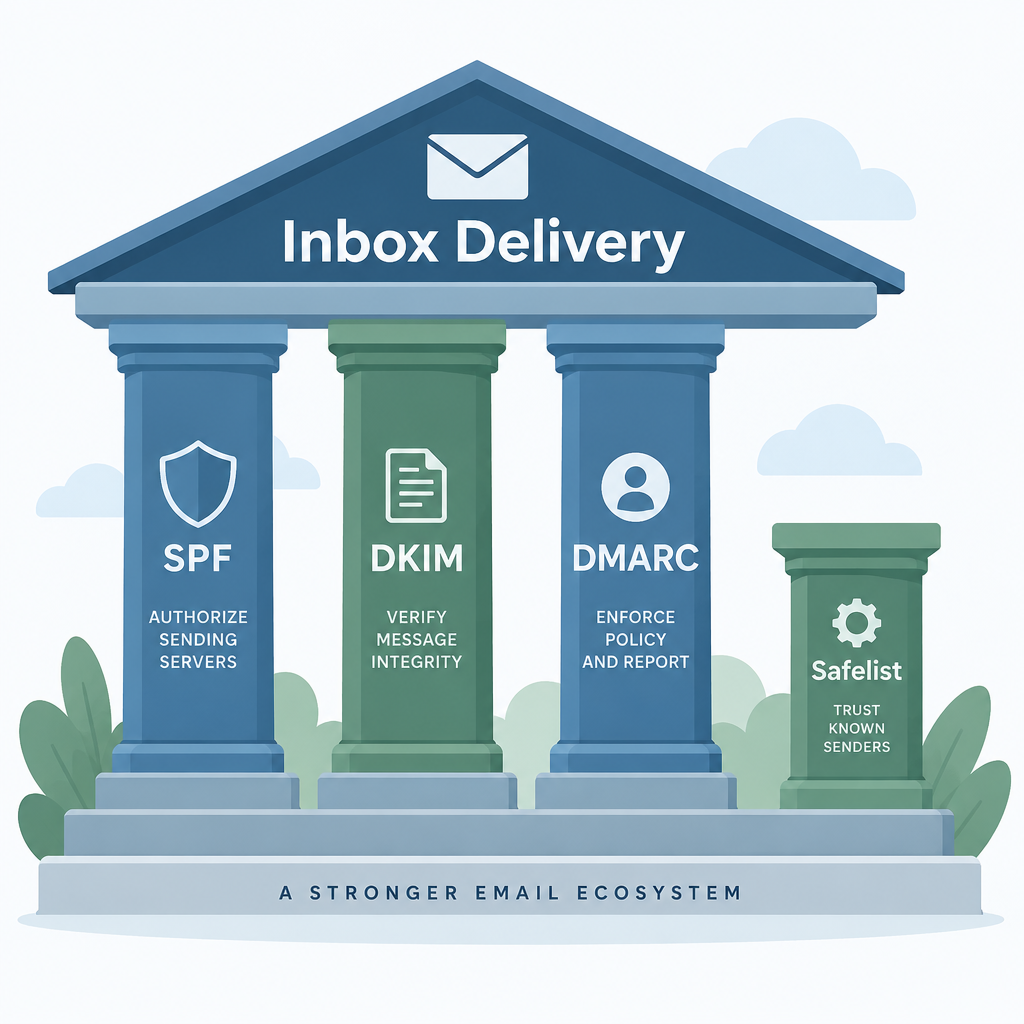
The original post cited the 2006 MarketingSherpa Email Marketing Benchmark Guide, which reported that only 22% of email marketers asked recipients to add them to a whitelist. That figure is two decades old and should be read as history. The point behind it still holds. If someone requested your email, a one-line safelist request is the cheapest insurance you can buy against that message ending up in spam.
Keep your From address constant
This advice has aged well. Keep your From address the same from send to send. A subscriber who added [email protected] to their contacts gets no benefit if your next campaign comes from [email protected].
Today the From domain matters even more than the exact address. DMARC alignment ties your visible From domain to the domains that pass SPF or DKIM, and Gmail, Yahoo and Microsoft all track reputation by domain. Changing From domains often breaks subscribers’ safelists and resets the reputation you have built. If you need separate streams, use subdomains of one brand domain (for example news.yourbrand.com and receipts.yourbrand.com) and keep each stream’s address stable.
Whitelist instructions for popular email clients
Here are whitelist instructions for the most popular email clients, updated for how each one works now: Gmail, Yahoo Mail, AOL Mail, Outlook.com (formerly Hotmail), Outlook for desktop and Apple Mail. Copy the ones your audience uses into your welcome email or a help page. Most lists are dominated by Gmail and Apple Mail, so start with those two.
| Email client | What the subscriber does | What it changes |
|---|---|---|
| Gmail | Adds you to contacts, clicks “Not spam”, drags you to Primary | Lowers spam filtering, moves future mail between tabs |
| Yahoo Mail / AOL Mail | Clicks “Not spam”, adds you to contacts | Trains the filter toward inbox delivery |
| Outlook.com | Adds you under Safe senders and domains | Keeps you out of the Junk Email folder |
| Outlook for Windows (classic) | Adds you to the Safe Senders list in Junk Email Options | Keeps you out of Junk on that mailbox |
| Apple Mail / iCloud Mail | Marks “Not Junk”, adds you to contacts | Keeps you out of Junk |
Gmail
- If a message is in Spam, open it and click Not spam.
- Hover over the sender’s name, then click Add to contacts on the card that appears.
- If your email lands in the Promotions or Social tab, drag it into Primary. When Gmail asks whether to do this for future messages from the sender, click Yes.
- Optional: search for your From address, open the search options, click Create filter, and tick Never send it to Spam.
Adding you to contacts does not force messages into the Primary tab. Only the drag-and-drop step does that. Gmail also shows images through its own proxy, so image loading in Gmail no longer reflects whether the subscriber has safelisted you.
Yahoo Mail and AOL Mail
- Open the Spam folder, select your message and click Not spam.
- Open the message, click the sender’s name and choose Add to contacts.
- Check the Spam folder now and then for the first few weeks, since Yahoo empties it automatically.
Both services run on the same Yahoo platform, so the steps and the filtering work almost identically.
Outlook.com (formerly Hotmail and Windows Live Hotmail)
- Go to Settings > Mail > Junk email.
- Under Safe senders and domains, select Add and enter the sender’s address, or the whole domain (for example yourbrand.com).
- Select Save.
If a message is already in Junk Email, the subscriber can also select it and choose Not junk. Outlook.com also has a separate safe mailing lists section for mail sent to a list address.
Outlook for Windows (classic desktop app)
- Right-click the message and choose Junk > Never Block Sender (or Never Block Sender’s Domain).
- Or go to Home > Junk > Junk E-mail Options > Safe Senders and add the address there.
On a work account, the company’s own server filtering can block mail before Outlook ever sees it. In that case the subscriber’s IT team has to allow the sender at the server level, and the desktop safelist won’t help.
The old Outlook 2007 era rendering problems belong to history now. For desktop Outlook today, the junk filter and the organization’s security settings matter more than how the message renders.
Apple Mail and iCloud Mail
- If a message is in Junk, open it and choose Move to Inbox or Not Junk.
- Tap or click the sender’s name and choose Add to Contacts (or Create New Contact).
Since iOS 15 in September 2021, Apple Mail Privacy Protection preloads images, which makes open rates for Apple Mail users look higher than they really are. Don’t use opens to judge whether your safelist request worked. Clicks, replies and inbox placement tests give you a truer picture.
FAQ
Does asking subscribers to whitelist you still work in 2026?
Yes, as one signal among many. Contacts and safe senders lists reduce false positives for that one subscriber. They do not override failed authentication, high complaint rates or a poor domain reputation, which mailbox providers now weigh far more heavily.
Is “whitelist” the same as “safe senders” or “allowlist”?
They mean the same thing. Microsoft calls it Safe senders, Gmail and Yahoo work through contacts and “Not spam”, and much of the email industry now says “allowlist” or “safelist”. Use whatever wording matches the client you are writing instructions for, since that’s what your subscriber will see on screen.
Will adding me to contacts move my emails out of Gmail’s Promotions tab?
Not by itself. Contacts help keep you out of Spam, but tab placement changes only when the subscriber drags a message into Primary and confirms the change for future messages. Asking for that drag in your welcome email is fair. Pressuring people with repeated requests tends to annoy them.
Can a safelist request fix a high bounce rate?
No. Bounces are rejections, caused by invalid addresses, full mailboxes or failed authentication, and increasingly by stricter enforcement for bulk senders, which Gmail began in 2024 and Microsoft followed in 2025. Clean out invalid addresses, use confirmed opt-in, and check your SPF, DKIM and DMARC records. Save safelist requests for reducing spam-folder placement.
Do I still need an unsubscribe link if subscribers have whitelisted me?
Yes. The FTC’s CAN-SPAM rules require a clear opt-out in every commercial email and require you to honor opt-outs within 10 business days, with civil penalties of more than $53,000 per violating email. Gmail and Yahoo also require one-click unsubscribe headers for bulk marketing mail, and Yahoo expects requests to be honored within two days.
Where should the whitelist request go?
The signup confirmation page and the first welcome email work best, because that’s when subscribers are paying the most attention. After that, keep a short one-line reminder near the top or bottom of your template. If you can, link it to a help page with the client-by-client steps above.
The most useful thing to do after reading this is to send yourself a test from your real sending domain and check the headers for SPF, DKIM and DMARC passes. Once those pass, a safelist request has something solid to build on.
Sources
- Google, Email sender guidelines and Email sender guidelines FAQ (Gmail Help)
- Yahoo, Sender Hub best practices and sender requirements (senders.yahooinc.com)
- Microsoft, Safe Senders in Outlook.com (Microsoft Support)
- Microsoft, Fix NDR error “550 5.7.515” in Outlook.com (Microsoft Support)
- Microsoft, Outlook.com Postmaster policies, practices and guidelines
- Federal Trade Commission, CAN-SPAM Act: A Compliance Guide for Business