
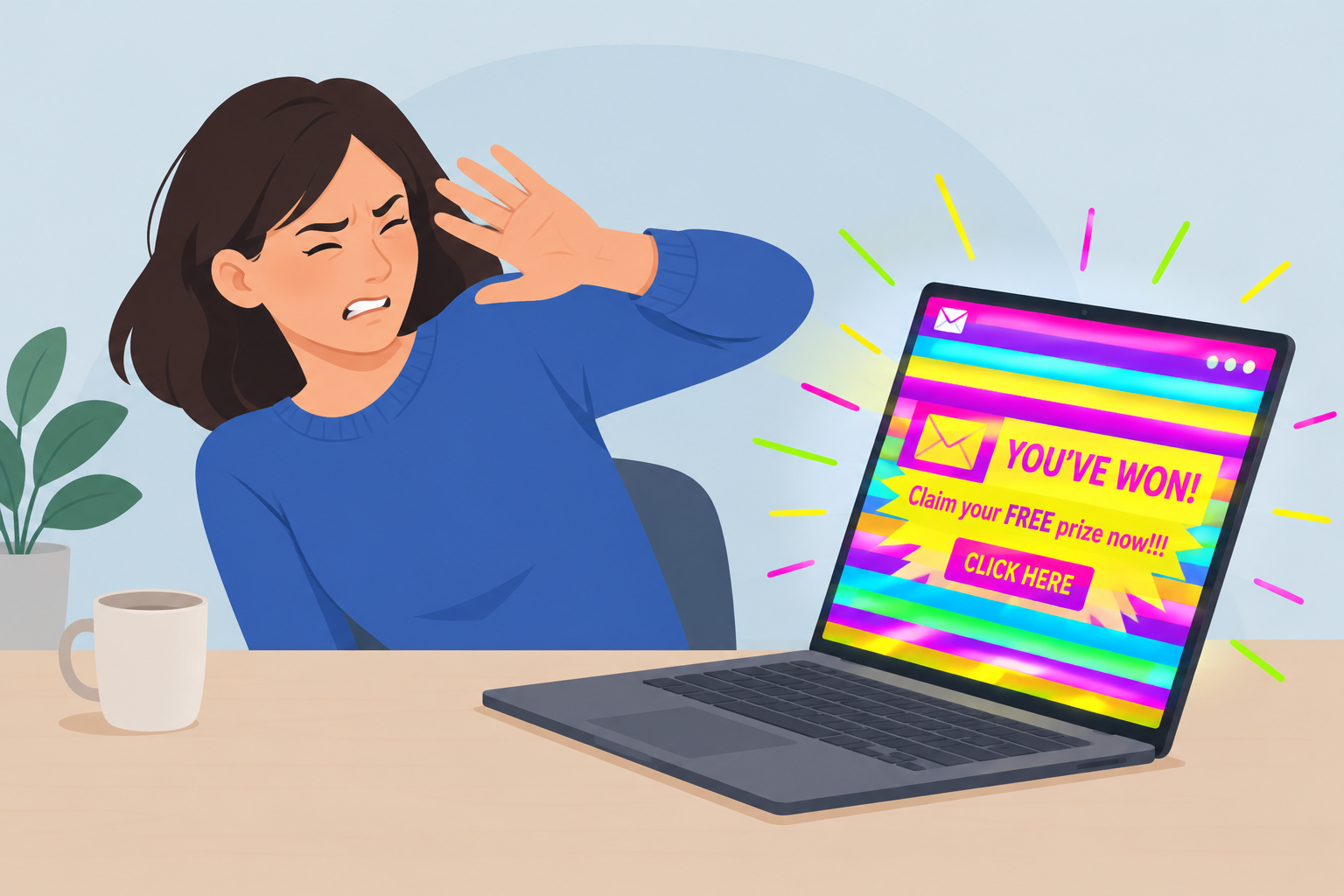
A flashing GIF gets noticed, but if people can’t stand to look at it, they won’t read the email. In November 2026 the better option is still motion that people can read: one simple animation, slow colour changes, a first frame that works without the rest, and a clear call to action. The reasons for this have grown since the Urban Outfitters email below arrived. W3C accessibility guidance (WCAG 2.3.1) says content should never flash more than three times a second. Since the 2024 Gmail and Yahoo bulk sender rules, complaints from annoyed readers who tap “Report spam” feed into the complaint rate those providers measure against delivered mail. And with dark mode on most phones, a strobing bright background is even harder on the eyes.
The loudest email in the inbox
This sales email from Urban Outfitters may be the loudest email of its time. The whole design hangs on an animated GIF whose background keeps switching colours. If “great use” means grabbing attention, it works. Nobody misses it.
The problem is what happens next. The email is hard to look at for more than two seconds, and after a few seconds it starts to hurt your eyes. So which is better? An email that grabs attention and then makes people look away? Or one that people glance at calmly and maybe click?
The email was a sale announcement. Its design was all about the flashing colour background, and the merchandise and the offer came second.
Attention versus comfort
Comfort wins. A reader who looks away after two seconds never gets to the offer, while a reader who can scan in peace has a real chance to click. The real choice isn’t loud or quiet. It’s about whether the motion helps someone read the message or gets in the way.
Some things have changed since this email went out, and they make the case against strobing designs stronger:
- Accessibility is a written standard now. WCAG 2.3.1, “Three Flashes or Below Threshold,” is a Level A criterion in WCAG 2.0, 2.1 and 2.2. It says content should not flash more than three times in any one-second period unless the flashes stay below the general and red flash thresholds. Fast changes between saturated colours, red especially, are exactly the pattern it warns about, because they can trigger seizures in people with photosensitive epilepsy.
- Spam complaints carry real weight. Google’s sender guidelines ask senders to keep their user-reported spam rate below 0.1% and never let it reach 0.3%. Yahoo has similar rules. A design that annoys people pushes more of them toward the spam button than toward the unsubscribe link.
- Open rates no longer show whether an email “worked.” Apple Mail Privacy Protection loads images in the background, which inflates opens. That makes an email look like it got attention even when nobody read it. Clicks and revenue per email tell you more.
- People read in dark mode, on small screens. A full-width GIF that flips between bright colours feels harsher on a dark phone screen than it did on a desktop monitor in a lit office.
How animated GIFs behave in inboxes today
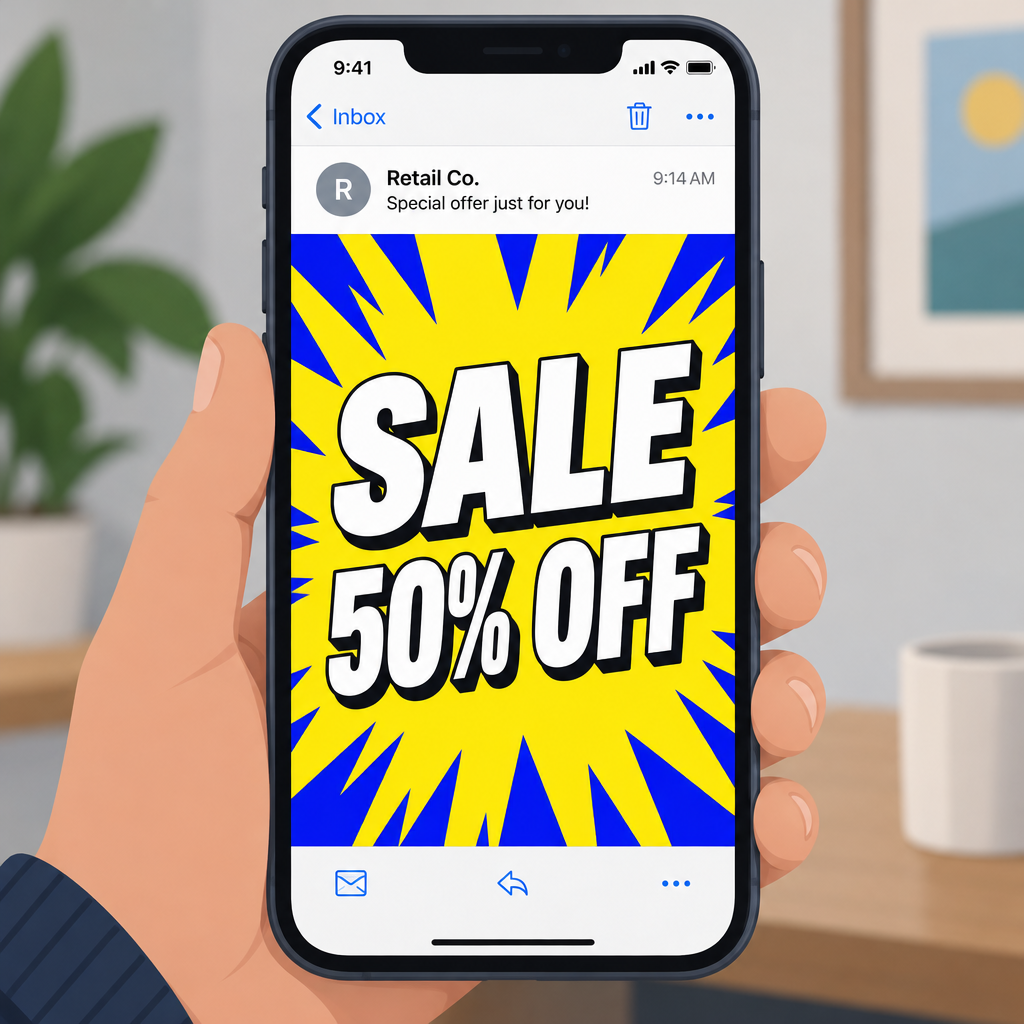
Most modern inboxes play animated GIFs, but you can’t count on every one. The first frame is the one most readers will see, though some clients block images or show a fallback instead. Designing for that was already standard advice when Outlook 2007 showed only the first frame of every GIF, and it still applies.
| Email client | Animated GIF behaviour | What it means for you |
|---|---|---|
| Gmail (web and apps) | Plays the animation | Full motion reaches most Gmail readers |
| Apple Mail (Mac, iPhone, iPad) | Plays the animation | Same, though privacy proxy loads skew opens |
| Outlook on the web, Outlook for Mac, Outlook mobile | Plays the animation | Generally reliable |
| Classic Outlook for Windows | Outlook 2007 to 2013 showed only the first frame (now history). Microsoft 365 builds play GIFs unless animation is turned off | Some readers still see a still image |
| New Outlook for Windows | Mostly plays, though testing tools report uneven results | Test before you rely on motion |
Rules that keep motion readable
- Make the first frame work by itself. Put the headline and offer in it, so a reader who only sees a still image still gets the message.
- Keep flashes well under three per second. Slow fades or cuts with a second or more between them are easier to read and stay clear of the WCAG threshold.
- Animate one element, not the whole canvas. A moving product shot or a pulsing button draws the eye. A strobing background just pushes it away.
- Watch the file size. Litmus advises fewer frames and fewer colours, and notes that hard cuts make far smaller files than fades. About 1 MB is the most commonly cited upper limit for an email GIF.
- Keep live text next to the image. An email that is one big GIF hides its message from screen readers and from anyone with images turned off. Image-heavy emails with little text can also catch extra attention from spam filters.
- Test in real clients. Preview in Gmail, Apple Mail, classic Outlook and the new Outlook, in both light and dark mode, before you send.
What to measure instead of “it got noticed”
Judge a loud design by what people do after they see it, not by how many opens it gets. If you want to test a flashing version against a calm one, send each to a random split of the list and compare:
| Metric | Why it matters for loud designs |
|---|---|
| Click-through rate | Shows whether attention turned into action |
| Unsubscribe rate | Readers who are annoyed but polite |
| Spam complaint rate (Google Postmaster Tools, Yahoo complaint feedback) | Readers who are annoyed and less polite, and the number that hurts deliverability |
| Revenue or conversions per email | The result the sale email was really built for |
Open rate is missing from that table on purpose. With Apple Mail Privacy Protection loading images automatically, opens can’t separate a reader who studied the email from one who never saw it.
FAQ
Are animated GIFs still okay to use in marketing emails?
Yes. Gmail, Apple Mail and most Outlook apps play them, and a well-made GIF can show a product or a step in a process better than a still image. The trouble starts with fast flashing, huge files, or a design where the whole message lives inside the animation.
How fast is too fast for a flashing email graphic?
W3C’s WCAG 2.3.1 sets the line at three flashes in any one-second period, with stricter limits for saturated red. Stay well below it in practice. Colour changes spaced a second or more apart are easier to read and carry no seizure risk.
Can a flashing GIF hurt my deliverability?
The GIF itself won’t block you. What hurts is how readers react. Google wants user-reported spam rates below 0.1% and never at 0.3% or higher, so a design that drives complaints can damage your sender reputation. An email that is mostly one big image with very little text can also draw more attention from spam filters.
What do Outlook users see if their client doesn’t play GIFs?
They see a still image of the first frame. Outlook 2007 through 2013 showed only that frame, and some Windows installs still do if animation is turned off. Put your headline and offer in the first frame so nobody misses the message.
Should I use open rate to judge whether a loud design worked?
No. Apple Mail Privacy Protection loads images automatically, which inflates opens and makes any design look like it got attention. Use click-through rate, unsubscribes, spam complaints and conversions instead.
Does dark mode change how animated emails look?
Dark mode usually darkens the email’s background and text colours, while the GIF stays as it is. A bright, flashing image then sits inside a dark frame, which makes the contrast and the glare worse. Check every animated email in dark mode on a phone before it goes out.
Sources
- Google Workspace Admin Help: Email sender guidelines
- Google Workspace Admin Help: Email sender guidelines FAQ
- Yahoo Sender Hub: Best practices
- FTC: CAN-SPAM Act, A Compliance Guide for Business
- W3C: Understanding Success Criterion 2.3.1, Three Flashes or Below Threshold
- Litmus: Animated GIFs in Email, 10 Tips for Keeping File Sizes Small
- Litmus: Microsoft Expands Animated GIF Support with Outlook 365