
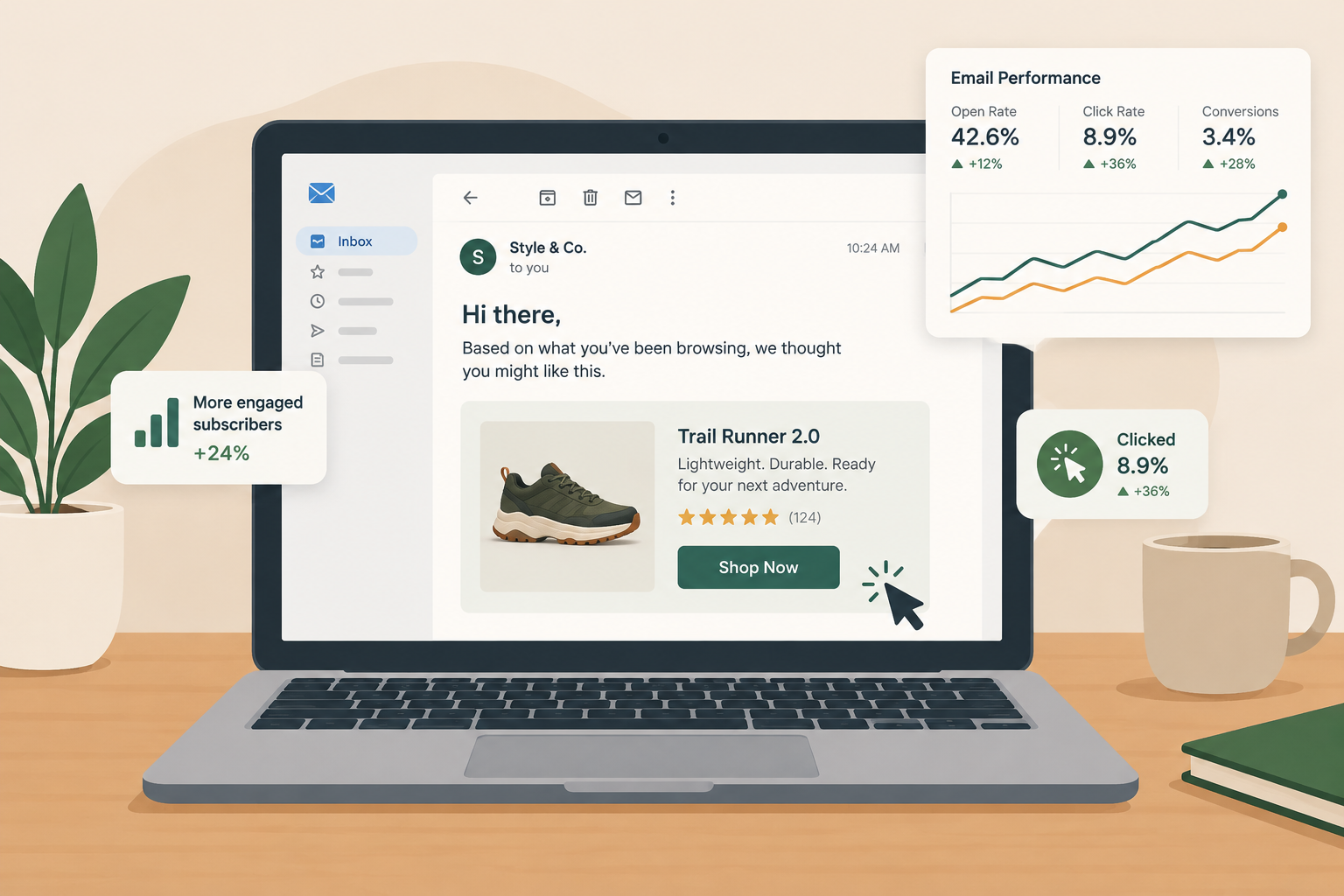
The most relevant emails you can send in November 2026 are triggered by what a subscriber actually did on your site: an abandoned cart, a product they viewed, a visit after a long gap. Today’s email platforms connect to your store and analytics out of the box, so this targeting no longer needs a custom integration project. What has changed since this post was first written: Apple Mail Privacy Protection now inflates open rates, so site visits and clicks are a better engagement signal than opens. Behavior-triggered mail also has to meet the 2024 Gmail and Yahoo bulk sender rules (SPF, DKIM, DMARC, one-click unsubscribe, spam rate under 0.3%) and the Microsoft Outlook.com rules that followed in May 2025.
One goal of your email marketing should be to engage each subscriber and make the message feel like it was written for them. When you bring web analytics data into your messages, you can message with meaning.
What the early research showed
In the mid-2000s, JupiterResearch reported that 41 percent of email marketers planned to use clickstream behavior data to target email. At the time, the reasons most often given for not using clickstream data were a lack of resources and the difficulty of connecting web analytics to email. JupiterResearch no longer exists as a separate firm. Forrester Research bought it in July 2008 for about $23 million.
The payoff looked large even then. A May 2005 JupiterResearch study found that targeted emails built on clickstream data produced, on average, nine times the revenue improvement and 32 times the net profit of untargeted email blasts. Those numbers are two decades old, so treat them as history. The direction has held, though. Klaviyo’s current abandoned cart benchmarks put average email revenue per recipient for abandoned cart flows at $6.77, with the top 10% of brands reaching $13.70. That is far more than a typical one-off campaign earns per recipient.
Five customer behaviors to plan around
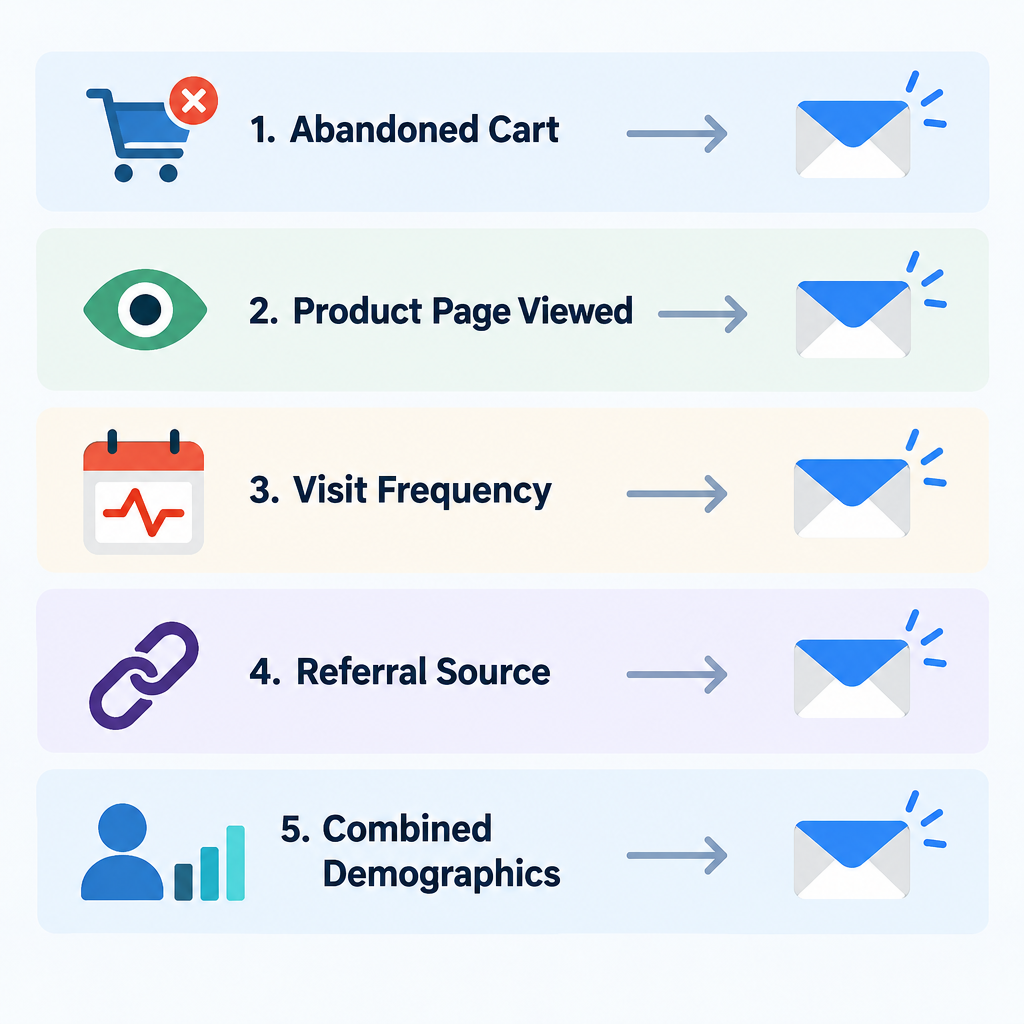
Before you connect your analytics to your email, look at how customers behave. The better you understand what they need, the better you can market to them. Start with these five questions.
1. Who abandoned a process
A subscriber who visits your site and leaves something unfinished gives you a reason to get back in touch. That could be an abandoned shopping cart, a registration form left halfway, a quote request or any other process they didn’t complete. Send a reminder that encourages them to come back and finish.
Abandoned cart emails are the best-known version of this, and most ecommerce platforms (Shopify with Klaviyo, Mailchimp’s customer journeys and others) offer them as ready-made automations. A reminder that pushes a sale counts as a commercial message under the FTC’s CAN-SPAM primary purpose test. It needs your physical postal address and a working opt-out like any other marketing email.
2. Which pages they viewed
If you know a subscriber has been looking at a specific product on your site, you are closer to a sale. Follow up with an email that gives more product information, or a discount on related products or the categories they browsed.
Today this is usually called a browse abandonment email. It works best when the email shows the exact item viewed and a few close alternatives, and when it goes out within a day of the visit.
3. When and how often they visit
When customers stop visiting your site regularly, or start visiting much more often, it is time to change your messaging. Reward loyal customers who visit often. Give people who haven’t been back in a while a reason to return.
Site visits are now more useful here than email opens. Apple Mail Privacy Protection loads images, tracking pixels included, in the background through Apple’s proxy servers. Many Apple Mail users therefore appear to “open” every email whether they read it or not. Base your re-engagement and win-back segments on clicks, site sessions and purchases, and stop sending to people who show no real activity at all. Mailing long-inactive addresses is one of the fastest ways to raise spam complaints.
4. Where they came from
Your web analytics can show which site sent a visitor to you, as long as they arrived through a link on that site. If a visitor came from a comparison or review site, be ready with your strongest sales message. Customers who arrive from a partner’s site can get messages that reinforce the value of that partnership.
Analytics only records the site that linked to you. It can’t show you a visitor’s wider browsing history, so you won’t know whether they were looking at a competitor unless that page linked to you. For your own traffic, tag every email link with UTM parameters (utm_source, utm_medium, utm_campaign). That way Google Analytics 4 can separate email visits from everything else. Universal Analytics, the version most early integrations were built on, stopped processing data on July 1, 2023, so any old setup that depended on it needs rebuilding in GA4.
5. Why they do what they do
You already hold subscriber data such as age, gender, occupation, income and location. Combine it with your site behavior and you can see which product categories and pages appeal to each segment. That beats guessing from past responses.
How you do this has changed. Google Analytics policies forbid sending personally identifiable information such as email addresses or names into GA4. Keep the join in your email platform or customer data platform and use a non-personal ID for the link. Location data has also become less reliable: Apple’s proxy hides recipients’ real IP addresses, so you only see a broad region. Where GDPR or US state privacy laws apply, collect consent before you track behavior for marketing.
Making the data flow between tools
These tactics only work if your email platform and your web analytics can pass data back and forth without friction. Companies once had to stitch the two together themselves. Email service providers and analytics vendors then started building integrations, so marketers could spend their time on campaign design and strategy.
That trend is now standard. Most ESPs read store and site events directly (product viewed, cart started, checkout begun, order placed) through a tracking snippet or a native ecommerce connection, and trigger flows from them automatically. Building highly relevant email from site data has never been easier.
The harder part now is delivery. Triggered emails are still marketing mail in the eyes of Gmail, Yahoo and Microsoft. Since February 2024, anyone sending more than 5,000 messages a day to Gmail addresses must authenticate with SPF and DKIM, publish a DMARC record, support one-click unsubscribe (RFC 8058), act on unsubscribes within two days and keep the spam rate reported in Postmaster Tools below 0.3%. Yahoo enforces matching rules. Since May 5, 2025, Microsoft has required SPF, DKIM and DMARC (at least p=none) from domains sending more than 5,000 messages a day to Outlook.com, Hotmail.com and Live.com addresses. A minimum DMARC record looks like this:
_dmarc.example.com. TXT "v=DMARC1; p=none; rua=mailto:[email protected]"
Start at p=none to collect reports. Once every legitimate sending source passes, move to quarantine or reject.
The best next step is to pick one behavior from the list above, usually cart abandonment because it earns the most. Build a single, well-timed flow for it and measure clicks and revenue per recipient rather than opens. Once that flow is earning reliably, add the next trigger.
FAQ
What is clickstream data in email marketing?
Clickstream data is the record of what a person does on your website: pages viewed, products browsed, carts started and purchases made. In email marketing you use it to trigger messages or build segments, for example sending a reminder to someone who left items in a cart. Your email platform ties the activity to a subscriber once they click a tracked email link or identify themselves on the site.
Do abandoned cart emails need an unsubscribe link?
Yes. An abandoned cart reminder that promotes a purchase is a commercial message under the FTC’s CAN-SPAM rules, so it needs a clear opt-out, your physical postal address and honest header and subject lines. For bulk senders, Gmail and Yahoo also expect one-click unsubscribe on marketing and subscribed messages. Each CAN-SPAM violation can cost up to $53,088 per email, and the FTC left that figure unchanged for 2026.
Are open rates still useful for behavior-based targeting?
Not on their own. Apple Mail Privacy Protection preloads email content, which triggers the open pixel even when nobody reads the message. Clicks, site visits and purchases are far more reliable signals for deciding who is engaged and who should get a win-back email.
Can email addresses be sent into Google Analytics 4 to connect email and web data?
No. Google Analytics policies prohibit sending personally identifiable information such as email addresses into GA4. Use UTM tags on email links for campaign reporting, and let your email platform’s own site tracking handle the connection to individual subscribers.
How soon after a cart is abandoned should the first email go out?
Most ESP templates send the first reminder within a few hours and follow up over the next day or two. Test your own timing, but keep the sequence short. A reminder that arrives days later competes with the customer’s memory of having bought elsewhere.
Sources
- Google: Email sender guidelines
- Yahoo Sender Hub: Sender best practices
- FTC: CAN-SPAM Act, a compliance guide for business
- Federal Register: FTC civil penalty inflation adjustments, September 2026
- Microsoft Tech Community: Outlook’s new requirements for high-volume senders
- Google Analytics Help: Universal Analytics has been replaced by Google Analytics 4
- Klaviyo: Abandoned cart benchmarks